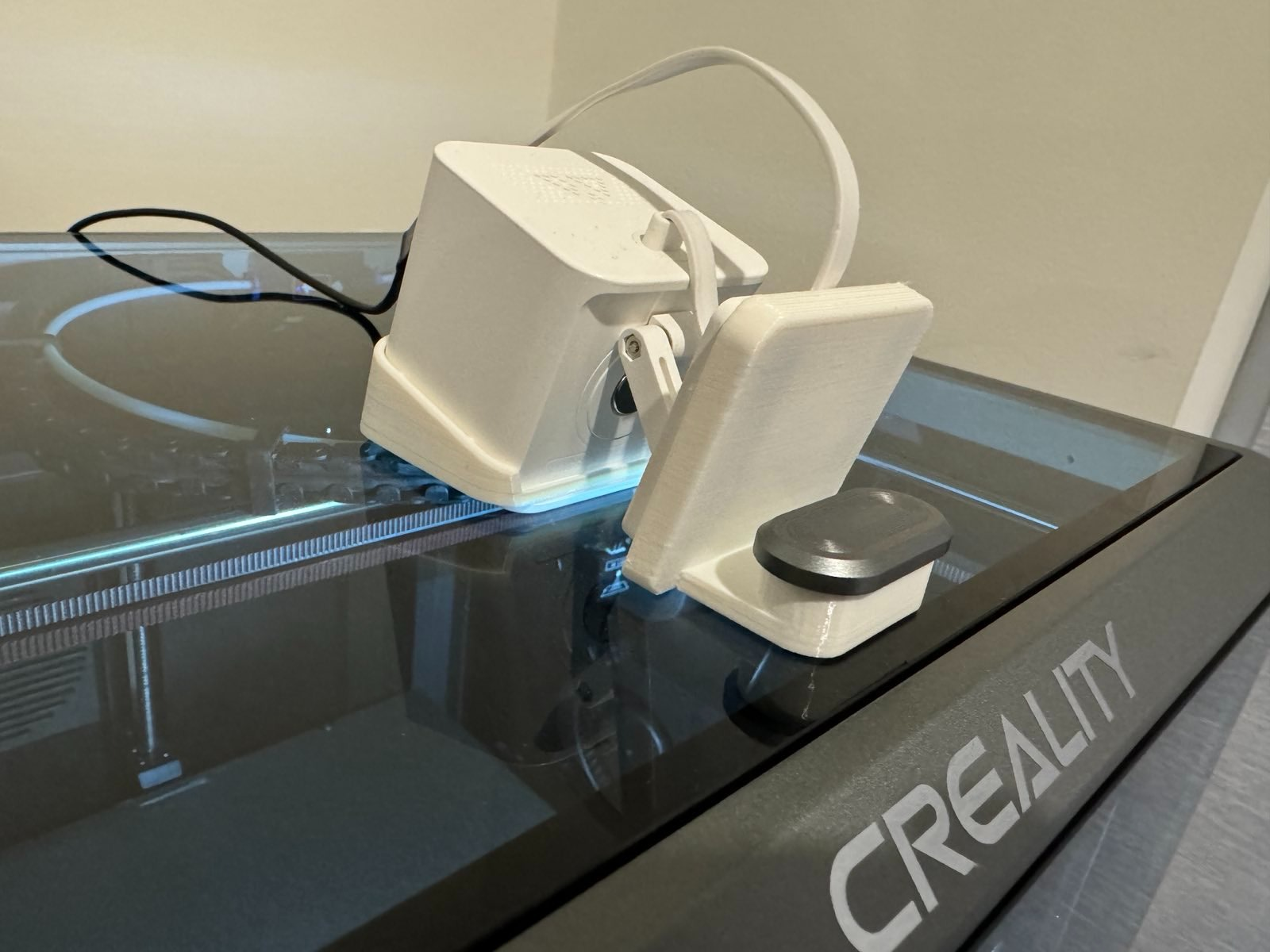
About this 3D model
A simple, yet very effective, Wyze Cam v3 mount for the Creality K1 Max. Installation is simple: Remove the top from the printer, being careful not to drop it, of course. Using a 2mm hex remove the 2 screws holding the handle on. Slide the handle through the Wyze Cam v3 mount. It's a snug fit to reduce any noise that may come from vibrations. Line up the holes in the handle to the glass top and reinstall the screws. Be sure not to over tighten the screws, just snugged up is good. Place the top glass back on the printer. Slide the hood over the camera in the same orientation that it was printed, with the notch facing up. Slide the base of the Wyze Cam v3 into the mount as seen in the picture. Adjust as needed.