About this 3D model
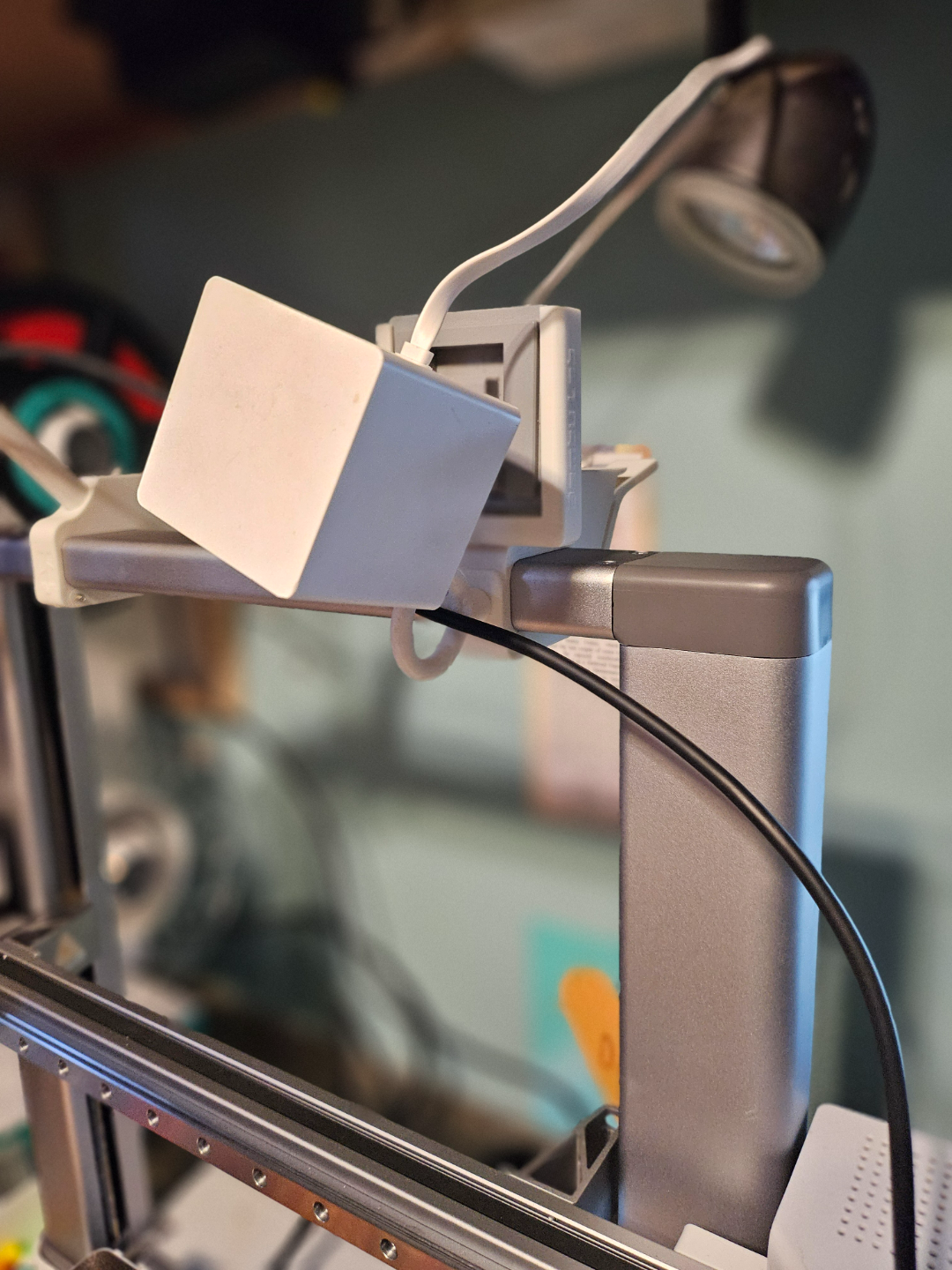
This is rev. 2 of my Wyzecam Mounts for the A1 Top Mount system. This update is based upon feedback and also my own use over the last few days. Thanks to those who provided the feedback. Boost Me If you like this model and find it useful/enjoyable, please consider giving me a boost! Important Note: There are two types of mounts. A swivel type mount (doesn’t use existing/Wyze mounting arms/swivels) and a sleeve style mount that you can put the existing base into and use the Wyze provided arms/swivels. These used to be 2 separate downloads and they’ve been collapsed into a single Wyze offering. A Wyzecam 3 version is pending. Significant Changes: Each of the sleeve style mounts has 3 letters on the back identifying which camera they go with. WOG = Wyzecam OG WV2 = Wyzecam 2 WV3 = will soon equal Wyzcam 3 The mounting of the sleeve style has been significantly enhanced and strengthened as well as the receiver that is unique to the sleeve style mounts. The front cable management option on the receiver has been made common with the A1 Top Mount Accessories, and can accept the loop that can be found at: A1 Top Mount Accessories Rev 2 by Jeff Smith - MakerWorld For the swivel mounting options, any of the receivers found at A1 Top Mount Accessories Rev 2 by Jeff Smith - MakerWorld will work with the swivel insert found there as well. Bambu Lab logo and text on all mounts should you choose to print in multicolor. Hardware: I use M3 screws (hex head) but any will work for the hinges, such as connecting the clamp to the receiver. You can use M3 screws for the other attach points (such as insert into receiver) but you may want to use M3 heatsets. I am not a fan of heatsets unless I have too, so I use #6 x 1" panhead sheet metal screws and the connections are tight.