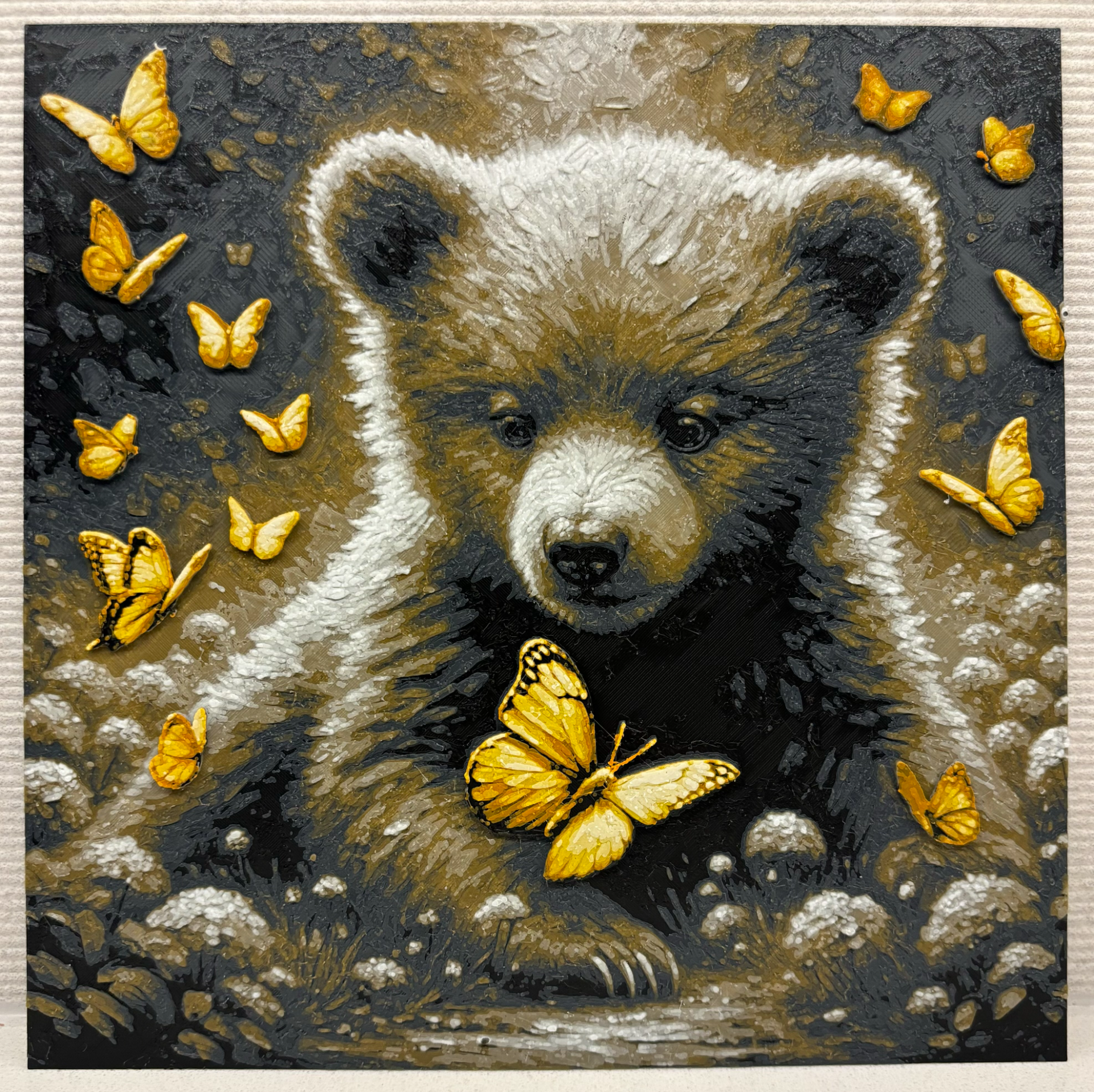
About this 3D model
Brown Bear : https://makerworld.com/en/models/102546#profileId-109203 Grayscale Bear : https://makerworld.com/en/models/102545#profileId-109202 This model has been carefully designed to look great with 6 colors. It is printed with filament swaps and can be printed with or without an AMS. No AMS necessary to print, but it does make it easier. Please ignore warning of the floating regions, they are the Antennae of the largest butterfly No AMS : Slice the file Change the filament swaps in the model to pauses Replace the filament color every pause according to the instruction below 1 AMS or AMS-lite (A1 mini , A1) : When starting the print use existing slots for extra colors 1st color : slot A1 2nd color : slot A2 3rd color : slot A3 4th color : slot A4 5th color : slot A2 6th color : slot A3 When you are done printing the a specific slot, swap out the color mid print without pausing. 2 AMS: Print away! When scaling the model, scale in the X and Y direction only. Leave Z at 100%. Color Settings : Print at 100% infill with a layer height of 0.08mm with a base layer of 0.16mm Filaments Used: PLA+ IIID Max Black Transmission Distance: 0.5 PLA+ IIID Max Gray Night Transmission Distance: 0.8 PLA+ IIID Max Coyote Brown Transmission Distance: 3.6 PLA+ IIID Max White Transmission Distance: 5.6 PLA+ IIID Max Black Transmission Distance: 0.5 PLA+ IIID Max Burnt Orange Transmission Distance: 3.6 PLA+ IIID Max Yellow Transmission Distance: 5 PLA+ IIID Max White Transmission Distance: 5.6 Swap Instructions: Start with Black At layer #7 (0.64mm) swap to Gray Night At layer #10 (0.88mm) swap to Coyote Brown At layer #13 (1.12mm) swap to White At layer #20 (1.68mm) swap to Black At layer #22 (1.84mm) swap to Burnt Orange At layer #25 (2.08mm) swap to Yellow At layer #28 (2.32mm) swap to White for the rest.