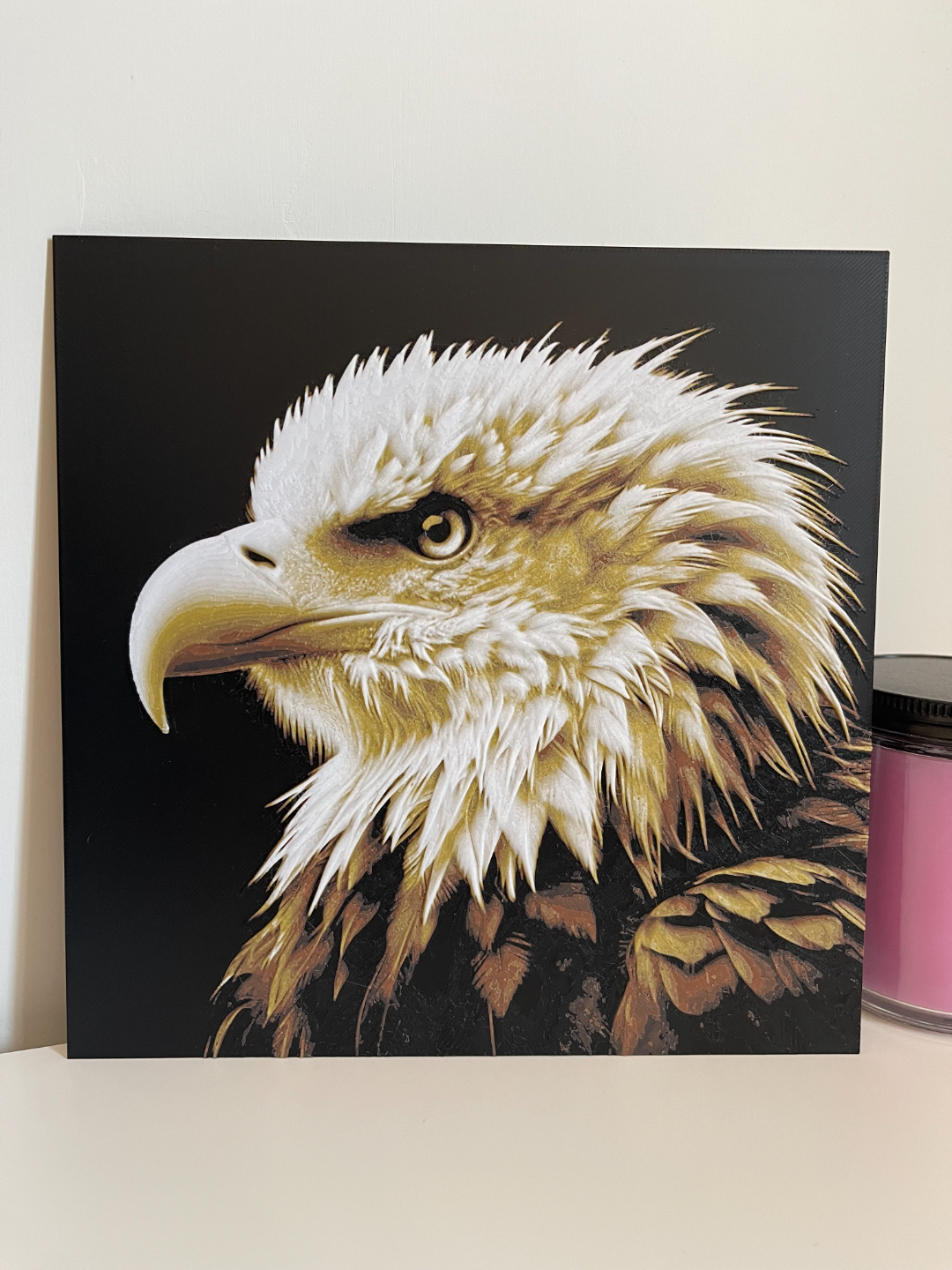
About this 3D model
Do NOT adjust the thickness (Z) in your slicer!! The layers will not come out right. You CAN adjust the other dimensions (X,Y) though to make it bigger or smaller, just not the thickness. These were my settings and colors for my print that you see in the picture. Your results may vary depending on the filament you use and if you have your own HueForge profile saved with different settings. Print at 100% infill with a layer height of 0.08mm with a base layer of 0.16mm Nozzle: 0.4 Filaments Used: PLA BambuLab Basic Black Transmission Distance: 0.6 PLA BambuLab Basic Brown Transmission Distance: 2 PLA+ Sunlu Gold Transmission Distance: 5 PLA Sunlu White Transmission Distance: 6 Swap Instructions: Start with Black At layer #26 (2.16mm) swap to Brown At layer #30 (2.48mm) swap to Gold At layer #34 (2.8mm) swap to White for the rest.