About this 3D model
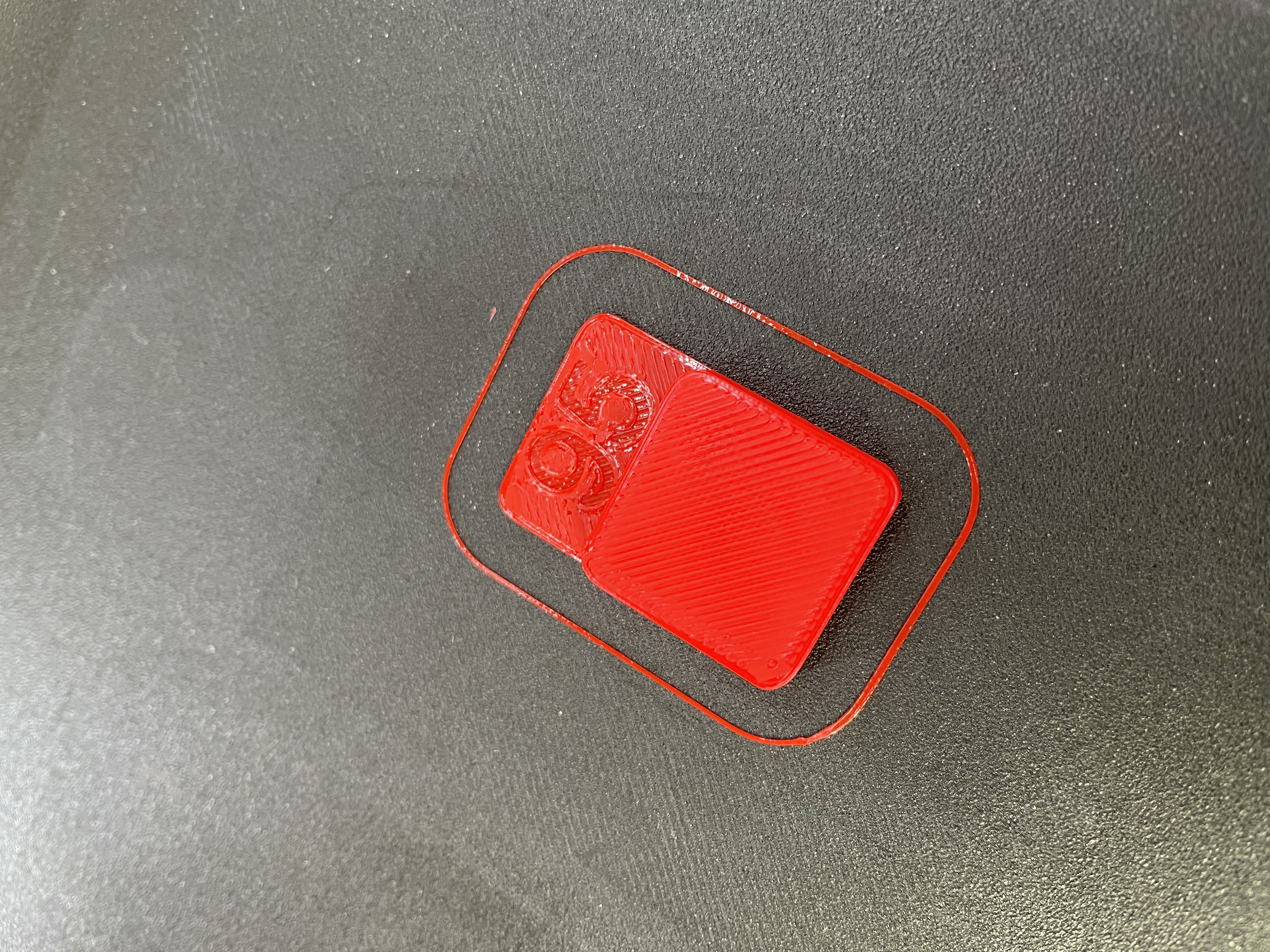
I had the problem that my printer was over- or underextruding with the calculated flow rate, so I made these simple flow calibration cubes. Just print the parts with the corresponding extrusion multiplier and see what looks best. You want a smooth surface on the cube without any blobs. For me most of the time I just printed the 100 for reference and the 90 and set the multiplier in between. Use your daily print speed and settings. PS: If 90 is under extruded and 95 over extruded, just use 92 or 93…. ;) Worked for me 100%