About this 3D model
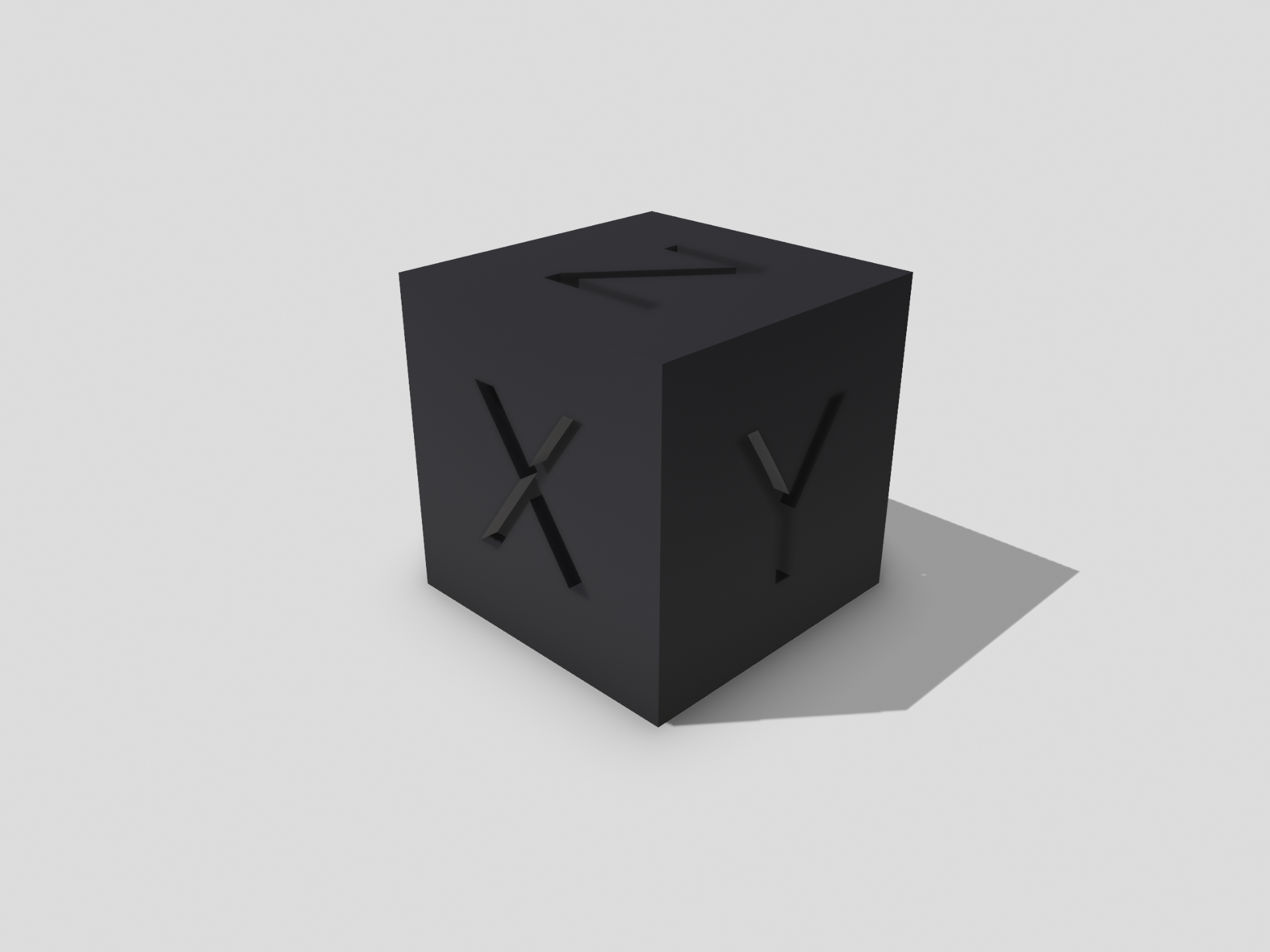
Simple cube with XYZ label to calibrate the e-steps. Just print it and measure the individual axes afterwards. Now you can set your steps in the printer firmware using a simple formula. The formula: new steps in mm = expected value/measured value x current steps New flow = (target width / measured width) * current flow Printing Notes: Resolution: 0.1-0.2 (for 0.4 nozzle) Filling: 15-30 % Supports: - Rafts: -