About this 3D model
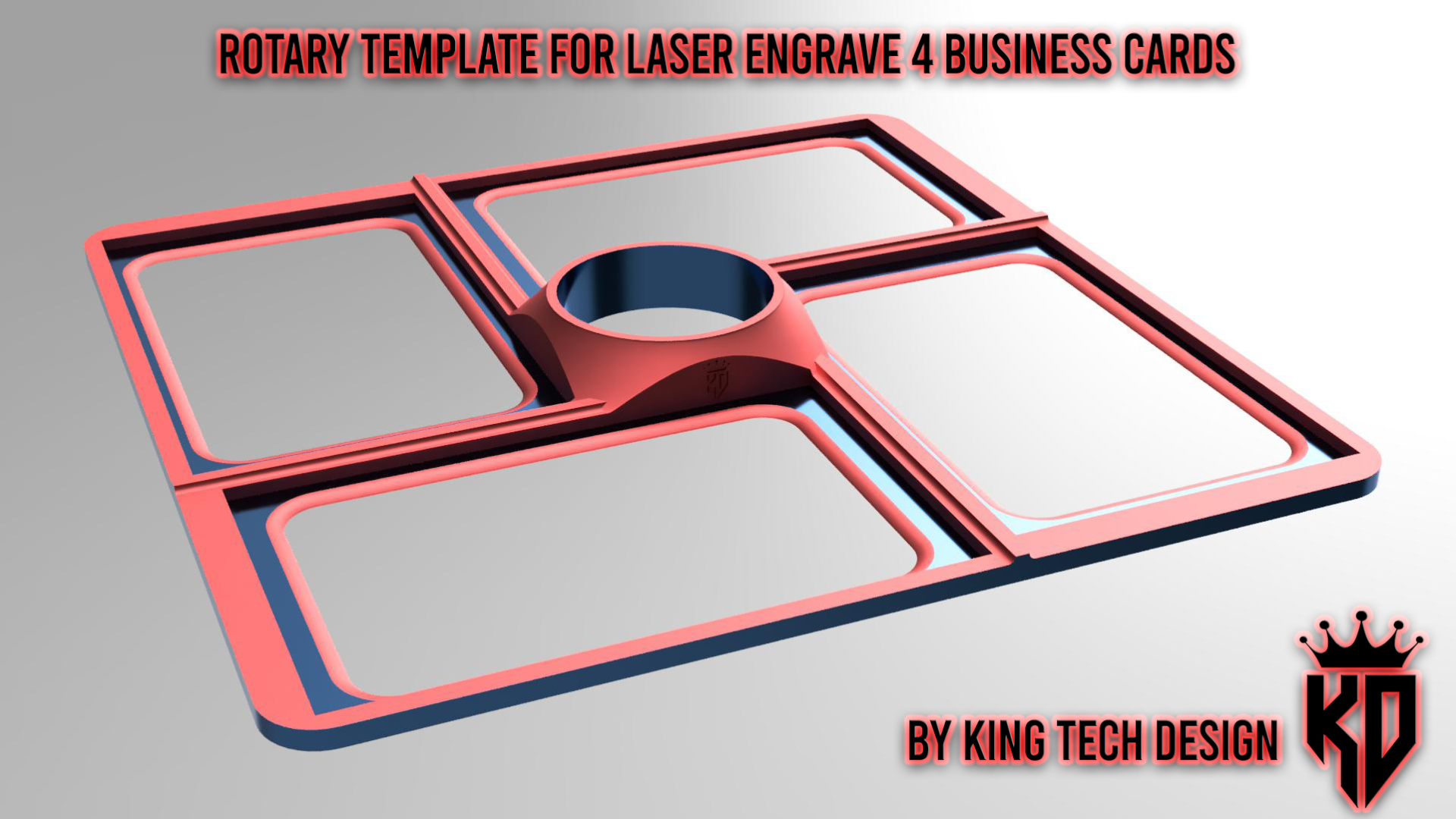
Template to engrave 4 business cards using the Rotary in galvo fiber lasers using the "repeat marking" function in ezcad or lightburn software to create a continuous production line. How to use: 1. Print it 2. Set Rotary in vertical position and hold the template 3. Create a template in your engrave software (86mm X 54mm) alligned to 1 slot of business card 4. Use the “repeat marking” funtion and set 90° of rotation for rotary 5. Engrave only in safe condition, use the protective glass and avoid to touch the template during engrave NEW VERSION WITH 8 SLOTS AVAILABLE HERE!!! Boost Me If you liked this model, hit the boost button!