About this 3D model
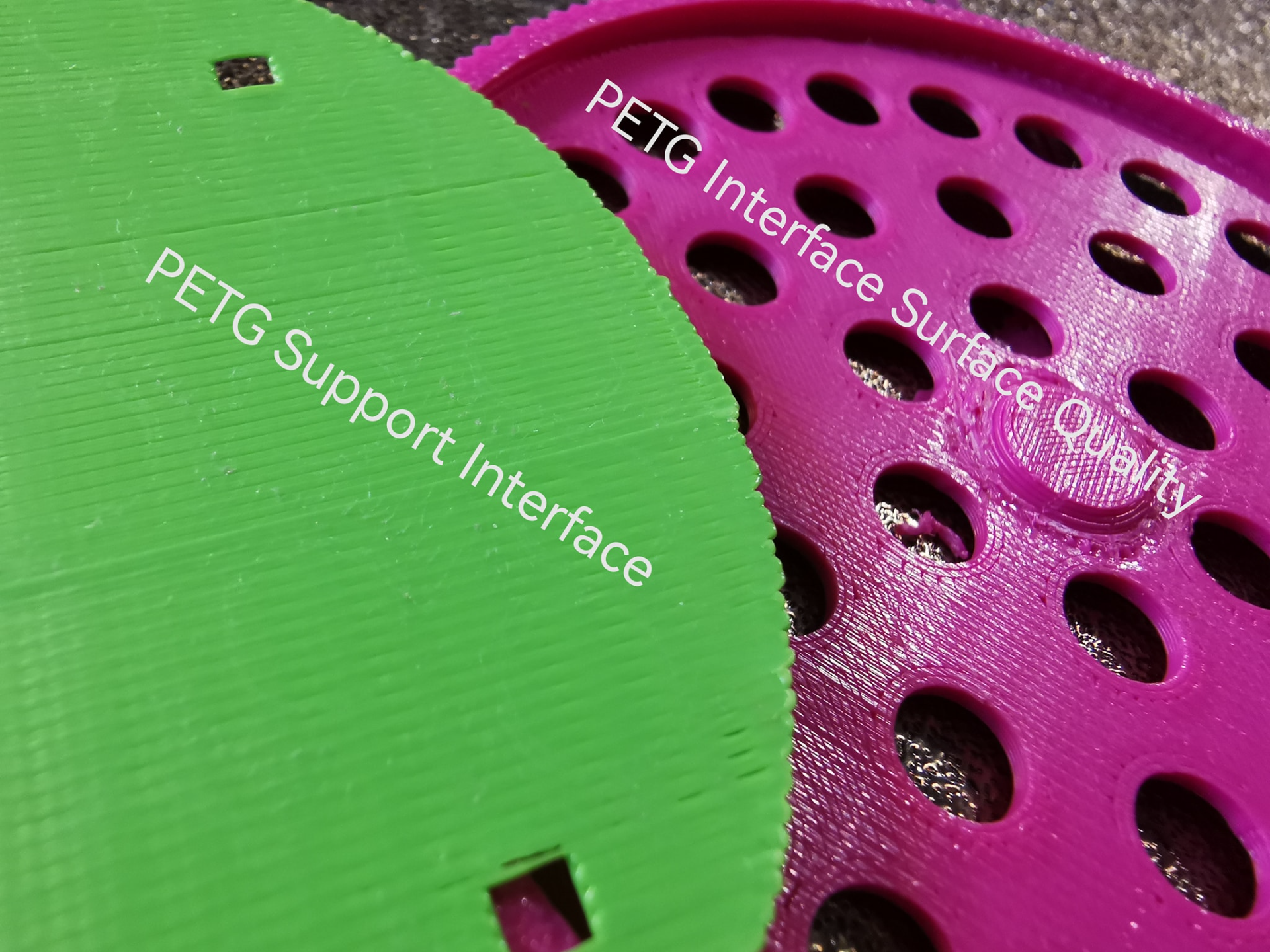
A Print Profile For Enabling PETG As Support Material For PLA I was having a lot of issues with supporting a recent design I made and could not get a good result using PLA. I spent an entire evening printing the same model over and over again, tweaking settings in between prints, until I was happy with the results using PETG as an interface layer for support. The model I was using to test is particularly awkward to support, with a 90 degree large surface area, threads around the rim and many holes that all need to stick to that interfacing layer. I ended up having to change a lot of setting from stock, but if you're interested in making your own profile then the basics are: 0 Top/Bottom Z gap Much higher interface density A slow tool head speed when printing interface layers. Usage: Open the profile in Bambu studio and drop in your model of choice. I have included a model of my logo as an example only. You can slice this to see how the support interface works but it is not intended to be printed. You will need to delete this before dropping your own model in and slicing that. You need to make sure that PETG is loaded into AMS slot 4, or remove the colours that aren't needed, ensuring that the PETG stays as the support interface material. The rest should be taken care of by the profile settings and the printer :) Here's a picture of the stock support settings using PLA (Bambu Studio) Here's a picture of the end result: Please let me know if this works for you, or if you come up with an even better profile :) Happy printing!