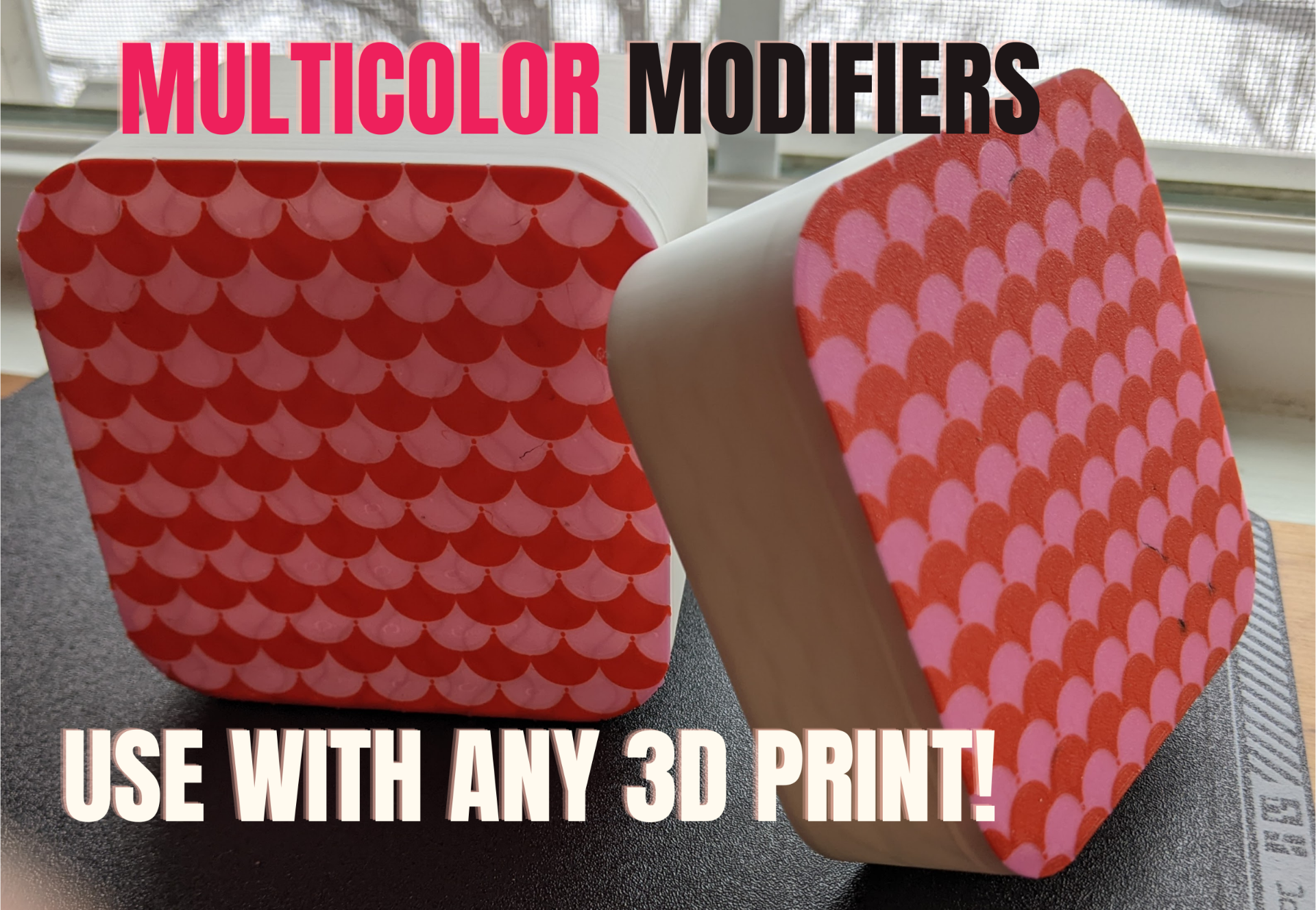
About this 3D model
I did not create the boxes. Original Models found here Box Modifiers: Refer to video for walkthrough.. Load modifier- Formatted as STL Reset Modifer Coordinates Scale as needed and set modifer to filament color Adjust Z Height of modifier for color layer - I use 2 Layers until .40mm layer height After slicing your pattern will the original model color and modfier color Prebakes: Refer to video for walkthrough.. Open prebake and slice to preview the design Load in your model and copy the modfier parts from Plate 1 Paste into your object and adjust the X-Y-Z of the modifier Your Z Height dictates your color height. It can be adjusted layer by layer with the move tool. Tips: Scale Object before you copy the modifiers over Happy Slicing!