About this 3D model
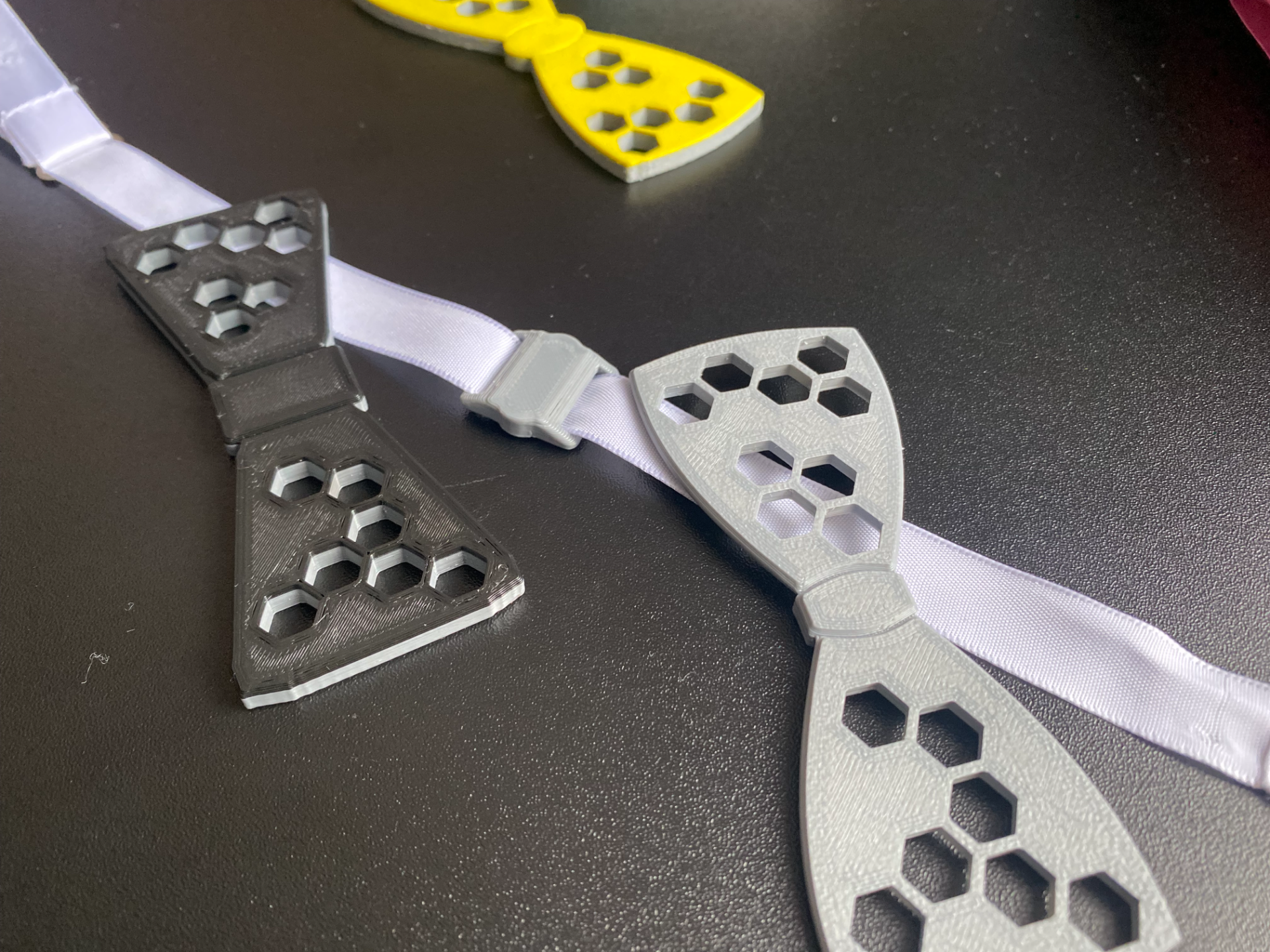
Quick-change magnetic bowtie! The title is self-explanatory… There two basic styles - classic and modern. Modern style does have few extra files- two custom designs and a monogram button to be added at your convenience. There are limitless possibilities: use two colors - each side with a different one - change in one second! no top or bottom (or both) layers, only infill you like (with two color option as well) add you own design to the bowtie wings - blank bowtie file included in the files What you will need: Magnets of course! I use 8x3mm round magnets (these will do just fine https://www.aliexpress.com/item/1005006115927544.html?spm=a2g0o.order_list.order_list_main.5.71be1802tiJ5hU ) one bowtie uses you favourite way to tie a bowtie, silk ribbon is recommended Print settings: 0.2 layers - this is important, so you will always have 3 layers covering the magnet - don't forget to add a pause (color change) to your slicer at the appropriate layer when adding the magnets, don't forget to alternate the polarity - see the picture from the slicer, so you can have the effect as seen in the cover gif I print with 5 perimeters and 4 top/bottom layers 20% infill no supports needed Can't wait to see what design you will come up with! Happy printing!