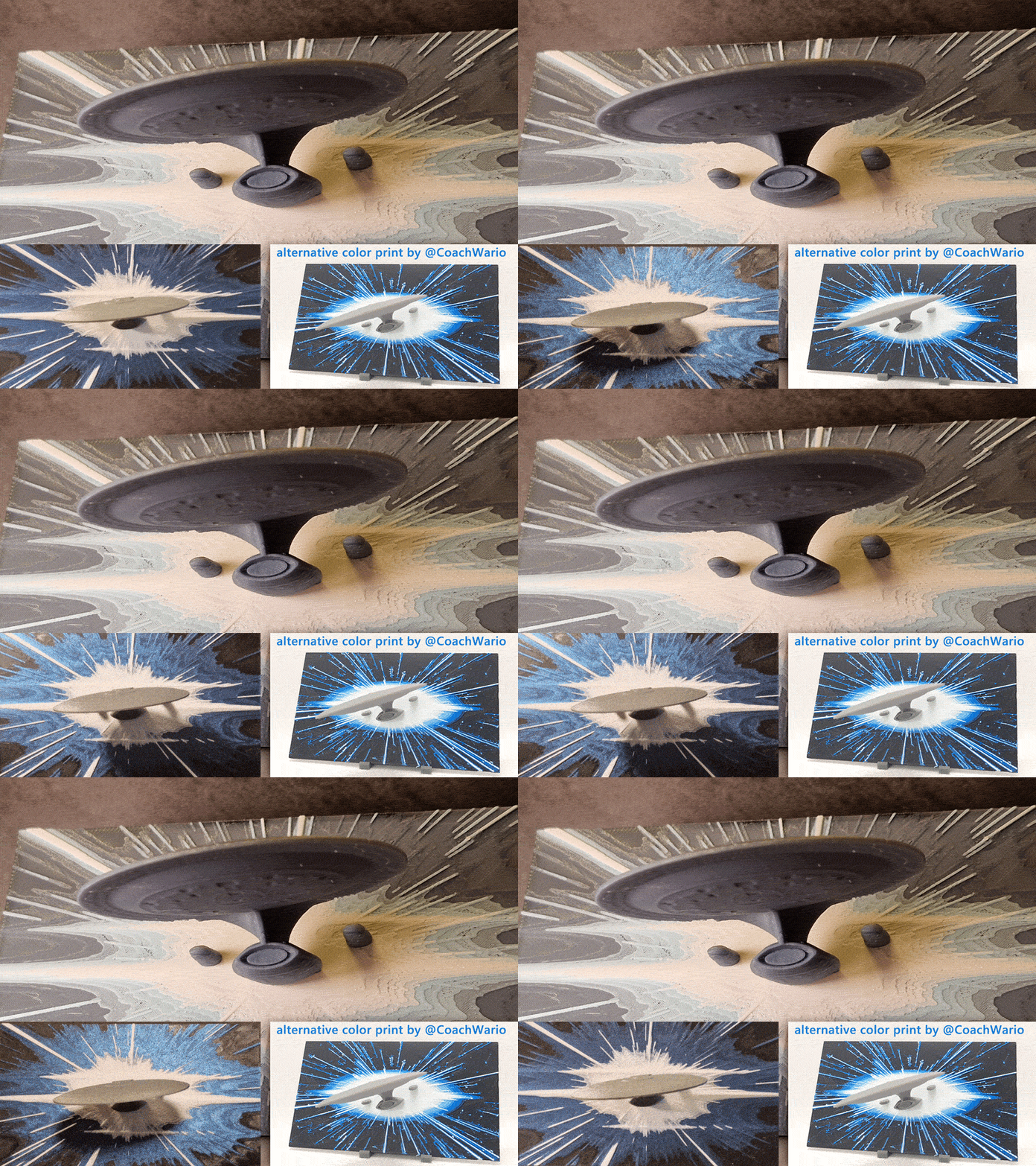
About this 3D model
"3D printing: the cutting edge frontier. These are the creations of the 3D printing pioneers. Their mission: to craft innovative designs, to bring ideas to life in new dimensions, to boldly print where no object has been printed before." Well, yeah … After my first try at incorporating a 3D model into a hueforge background ( TOS Enterprise ) I've tried to make a “The Next Generation” or TNG version as well. The model is from Solid_Alexei's Ultimate Collection , the warp speed background is custom made in Illustrator and Photoshop. I did not make the background 4:3 since I just like widescreen better ? To make printing easier (or more likely to not fail) I've strengthened the neck part and had to add some tree support. In my case it was relatively easy (but be careful!) to remove the support and it does not leave too much marks. It is not a pristine finish though, of course, it's FDM after all, so I tried to make the support base as flush as possible so you could maybe sand it a little … If you are using the one-click 3MF file on Makerworld (aka the “print profile” in the top right), all appropriate settings have been applied to the print (PLA filaments)! Slice it, print it, done. Well … at least sometimes, let me explain: beware, it's taking time to calculate and I had to try countless versions with several stages of polygon reducing, mesh fixing and other voodoo so Bambu Slicer wouldn't freeze up during slicing, the provided file is -of course- the successful one … If you are having problems, what mostly helped with avoiding Bambu Slicer from taking seemingly forever was slicing it without tree support (caution: might still take several minutes!) re-enabling tree support slice again This way it somewhat resumes/starts from 80% and finishes without freezing. But if someone knows a better, more reliable way, PLEASE LET ME KNOW. I've spent hours fiddling around with model re-meshing/reducing and slicing alone, it's very frustrating. If you are not using the one-click printing method, or are not using a Bambu printer, read on: Print Instructions (manual settings): print at 100% infill with a layer height of 0.08mm with a base layer of 0.16mm yes, even the space ship portion You do need some supports for this print for the underside of the disc I used matte black as the background for the print, but you can use any variation of a dark or black color I used Bambu Lab PLA Basic Blue Gray for the Enterprise, but you can use any gray or silver variant, or whatever you like NORMAL filament Filament Swaps (4 colors, 4 swaps): Start with Black At layer #11 (0.96mm) swap to Blue Gray (note: a fan of dark black space? Start at layer #13 instead or skip this change entirely) At layer #15 (1.28mm) swap to Ice Blue At layer #19 (1.6mm) swap to White At layer #25 (2.08mm) swap to Blue Gray EFFECT filament (darker print) Filament Swaps (4 colors, 4 swaps): Start with Black At layer #10 (0.88mm) swap to Nebula Purple At layer #18 (1.36mm) swap to White At layer #33 (2.40mm) swap to Anthrazite Filament I've used: Black: Extrudr PLA NX2 matt schwarz * Blue Gray: Bambu Lab PLA Basic “Blue Gray ” Blue: Bambu Lab PLA Matte “Ice Blue” White: Extrudr PLA NX2 matt weiß * Filament I've used: Black: Extrudr PLA NX2 matt schwarz * Dark Gray: Extrudr PLA NX2 matt anthrazit * Nebula Purple: Flashforge PLA “Nebula Purple” * White: Extrudr PLA NX2 matt weiß * Notes: *The used link is a so-called affiliate one. When you buy a product using this link, I will receive a small provision. The price itself does not change. Thanks so much for your support :) I am not affiliated with Paramount or any other license holder nor is this print an official release. It's just a fan and hobby project made at home and should not not condone theft of copyrighted material and I don't want to get into even the slightest trouble because of that.