About this 3D model
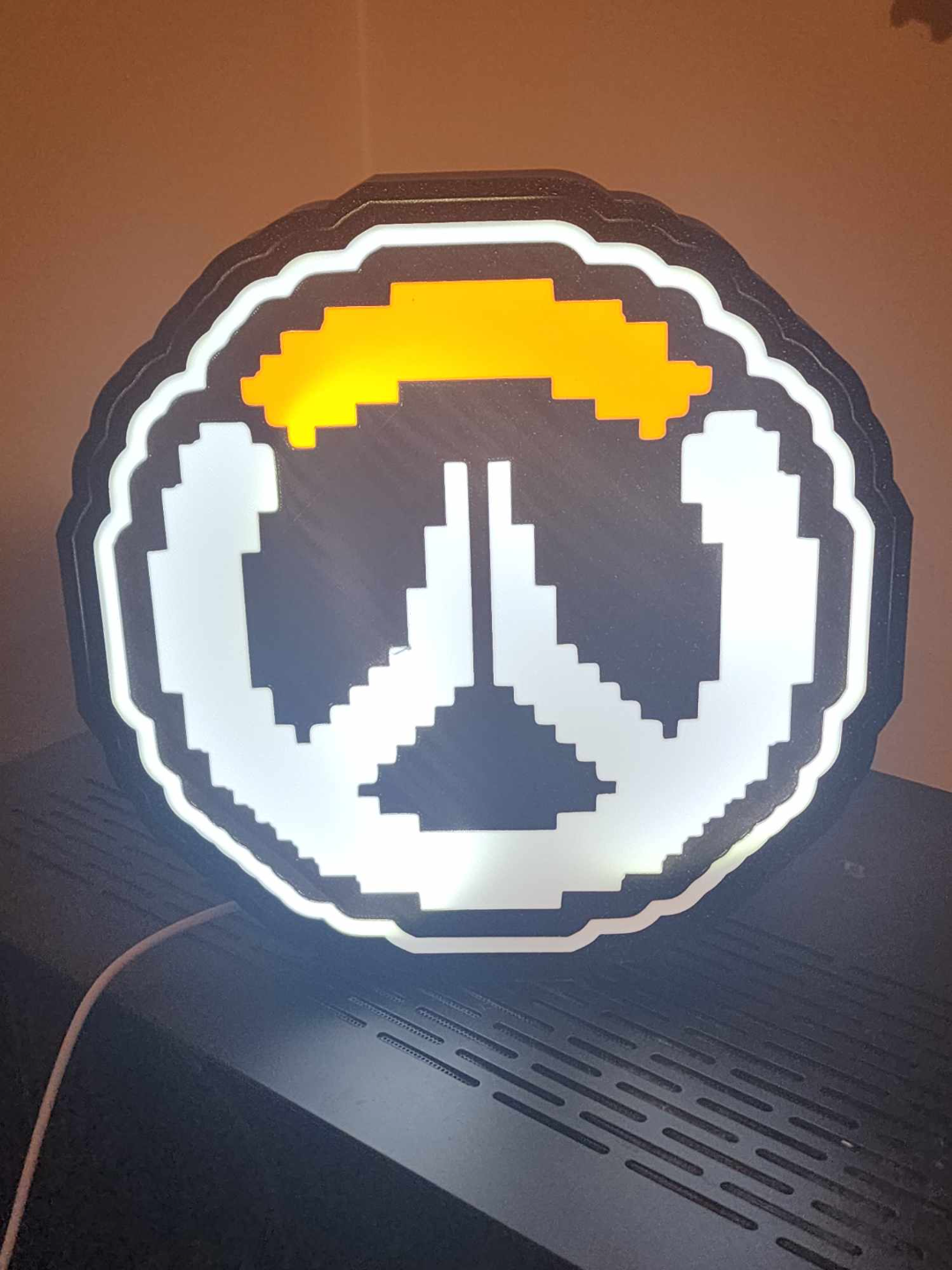
Immerse yourself in the gaming world with my Pixelated Overwatch Logo Light Box! Bambu Studio Settings: The settings are just a recommendation, however you can print with the settings you are already used to using! • Preferences (ctrl + P) → activate developer settings → Quality →Advanced → First Layer Flow Ratio: 1.04 • Quality → Wall generator → Arachne • Quality → Wall transitioning threshold angle → 50º • Strength → Advanced → Infill/wall overlap → 20% • Quality → Advanced → Avoid crossing walls Printing Recommendations: • Use textured PEI sheet Materials and tools used to assemble parts: • Some sort of foil or aluminum tape for the housing really helps • Hot glue on the LED strip so it does not fall off • White LEDs LED Recommendations: Battery Powered LEDs USB Powered LEDs