About this 3D model
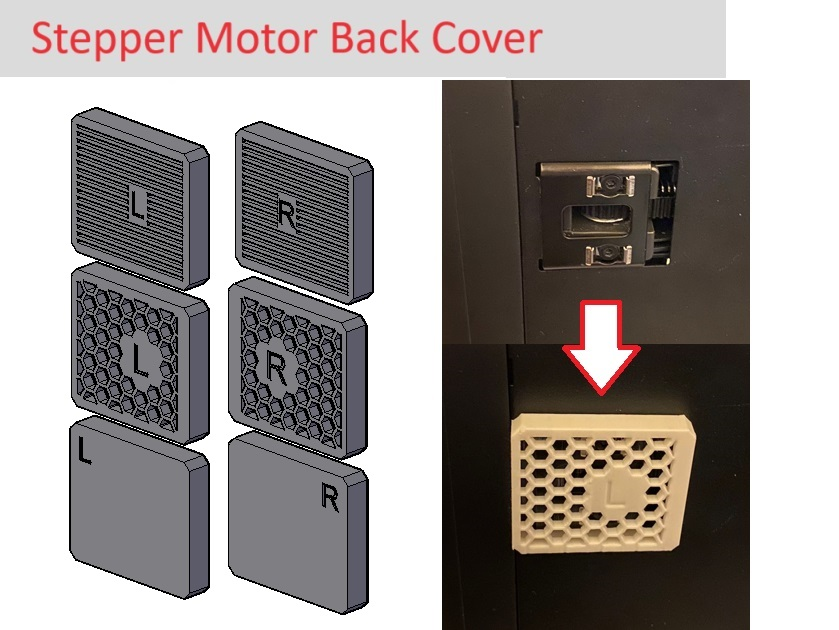
The back of your printer is usually the dustiest place! The stepper motors have a opening in the back for maintenance purposes but is also a convenient place for dust to gather. Protect your motors by installing these simple covers that can possibly prolong your motor's lifespan! You can choose from a full cover that offer maximum protection or one of the two vented covers. Installation: The covers have a letter on them indicating which side it should go ("L" for left and “R” for right). Then, put the clip into the hole of the bracket and slide it inward. If this is something that you like, check out my other cover! Poop Chute Cutout Cover https://makerworld.com/en/models/168565#profileId-185262 Stepper Motor Front Cover https://makerworld.com/en/models/156517#profileId-171458