About this 3D model
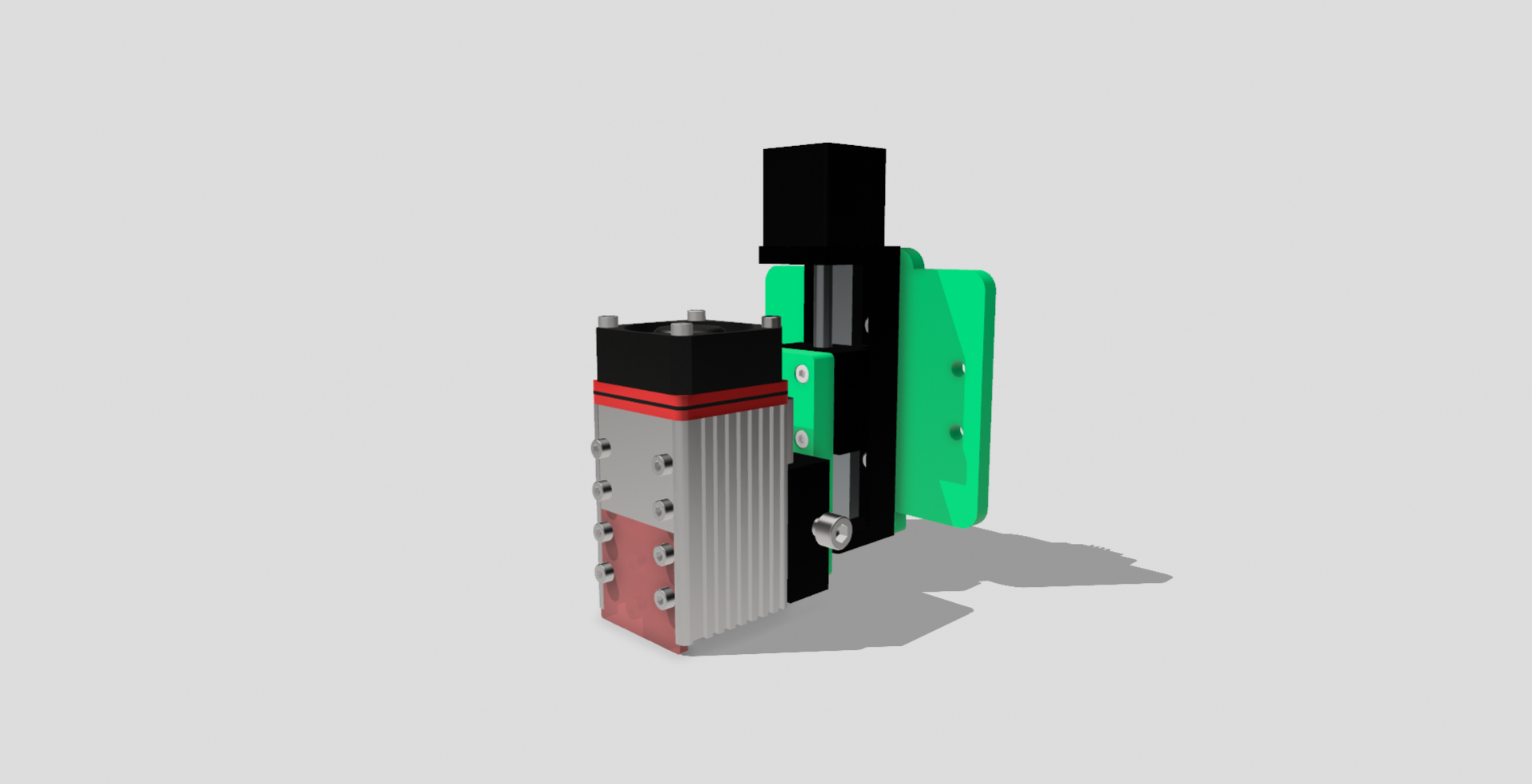
These two small panels can assist you in automatically adjusting the Z height of your laser cutting machine. The Acro Panel is compatible with the OpenBuilds Acro kit, while the small panel is designed for securing NEJE laser modules. You will need the following: 1 mini 50mm linear actuator 1 stepper motor driver (if not present for the Z motor) Screws Assembly: Screw the actuator onto the large panel. Attach the small panel to the laser holder (this holder included with your laser). Screw the small panel to the actuator carriage. Remove the front panel of the Acro X axis cart. Install the structure in its place. Connect the stepper motor to your controller. Adjust the appropriate values (steps/mm) for Z in the GRBL settings. Enable the Z-axis in LightBurn. You're done! You now have an automatic, motorized Z-axis.