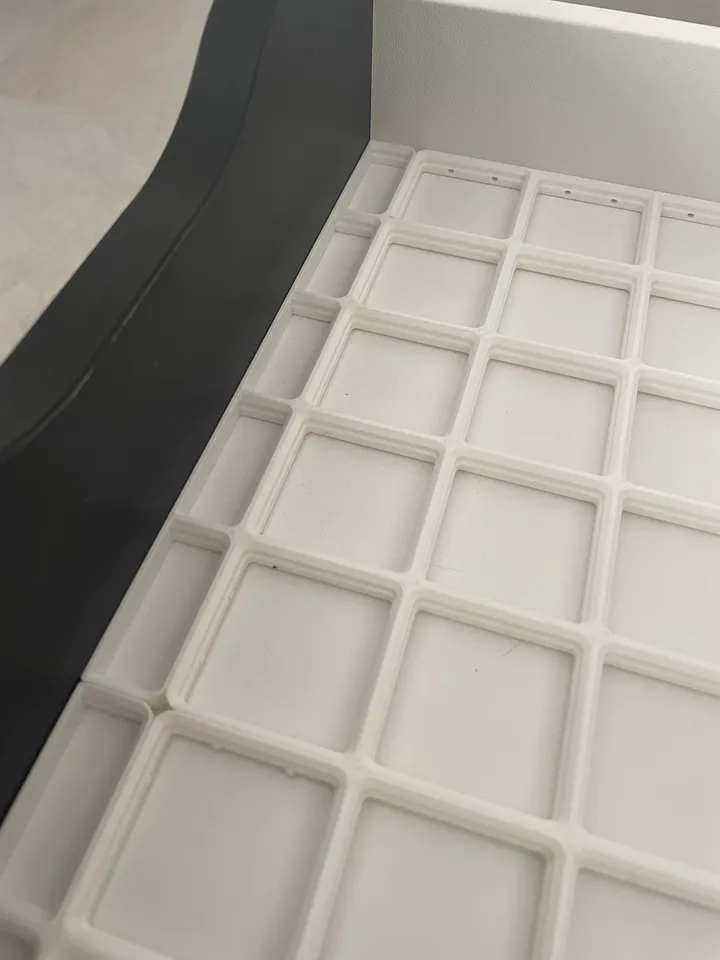
About this 3D model
Description Some extra space on the side of your drawer? Customize and print these spacers so you can fit your baseplate perfectly. The design is parametric so you can specify the perfect width and length for your spacer. Customizing Download the .f3d file and open it in Fusion360 In the top bar, go to Modify > Change parameters In the parameters window, set the two values as you need: SpacerWidth: how much the spacer should be wide (recommended not less than 5mm) GridfinityUnits: how much Gridfinity units length the spacer should have (max. 7) Click “OK” On the left side bar, right-click on Bodies > Gridfinity spacer and choose “Save as Mesh" A popup will open on the right side of the Fusion360 window, choose the following options: Format: STL Refinement: High Unit type: Millimeter Click “OK”. Choose the folder you want to save the STL to Print and enjoy!