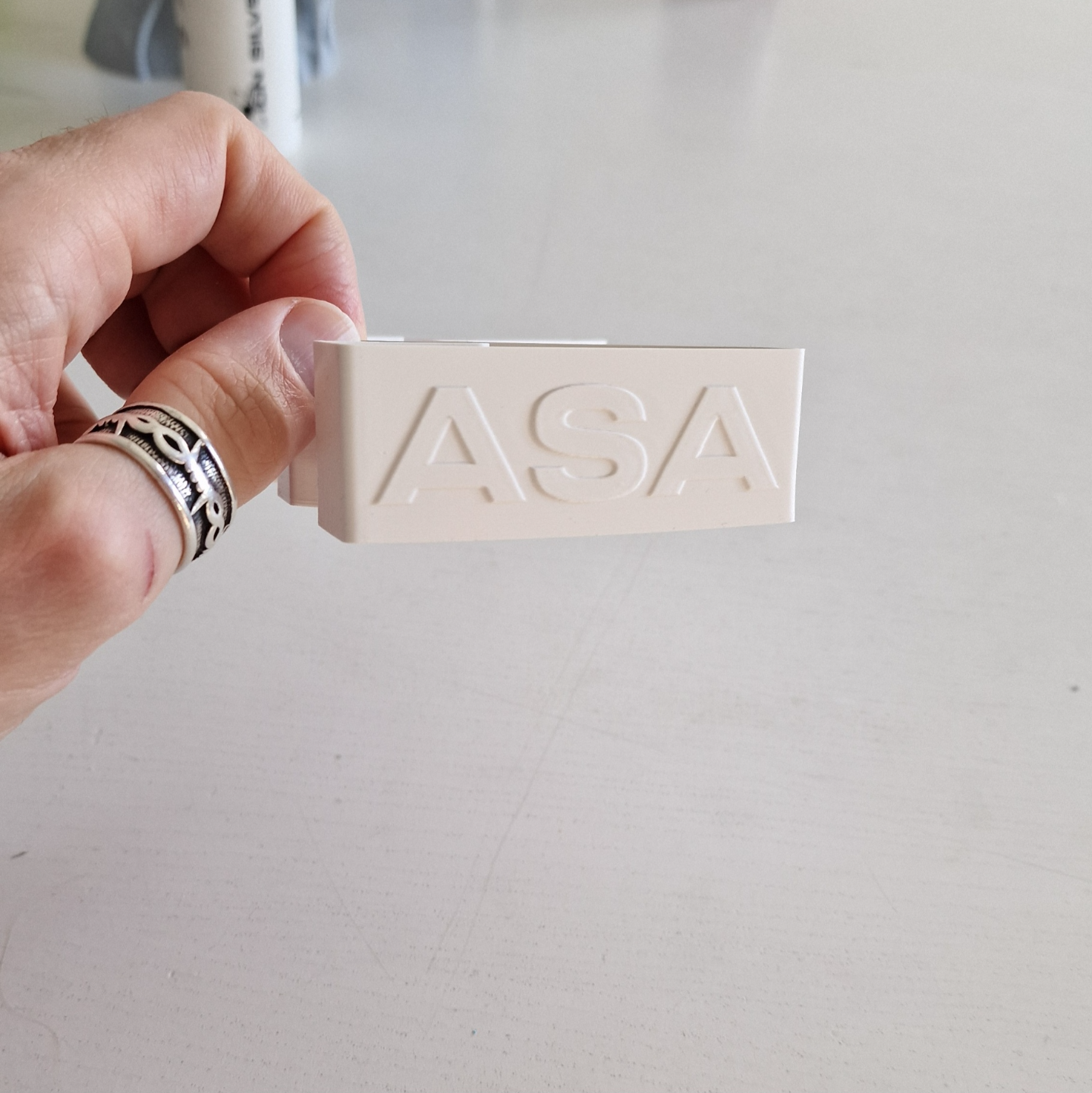
About this 3D model
UPDATED: 2024-12-01 - upped the bed temp, and some information maybe not everyone knows. Boost Me would appreciate it =) Before starting the print: 1.) Set bed temp to 100C and close the door and lid, wait for chamber temp to reach at least 45C before starting. 2.) After the print is done, let the print slowly cool down to room temp before opening the door to minimize the chance warping ( mostly important on bigger prints ) I made this profile for ASA from Masterspool, but i noticed this profile prints better with other ASA brands also so now i'm only using this for all brands of ASA (Bambu lab, Extrudr, Winkle and IEMAI is what i have tried so far). Like always - load up this model, run FLOW RATE (and maybe also FLOW DYNAMICS) Calibration. Save the new FLOW value into the current profile, and name it whatever you want. Use the Printer process included, that has the speed, strenght, quality settings.