About this 3D model
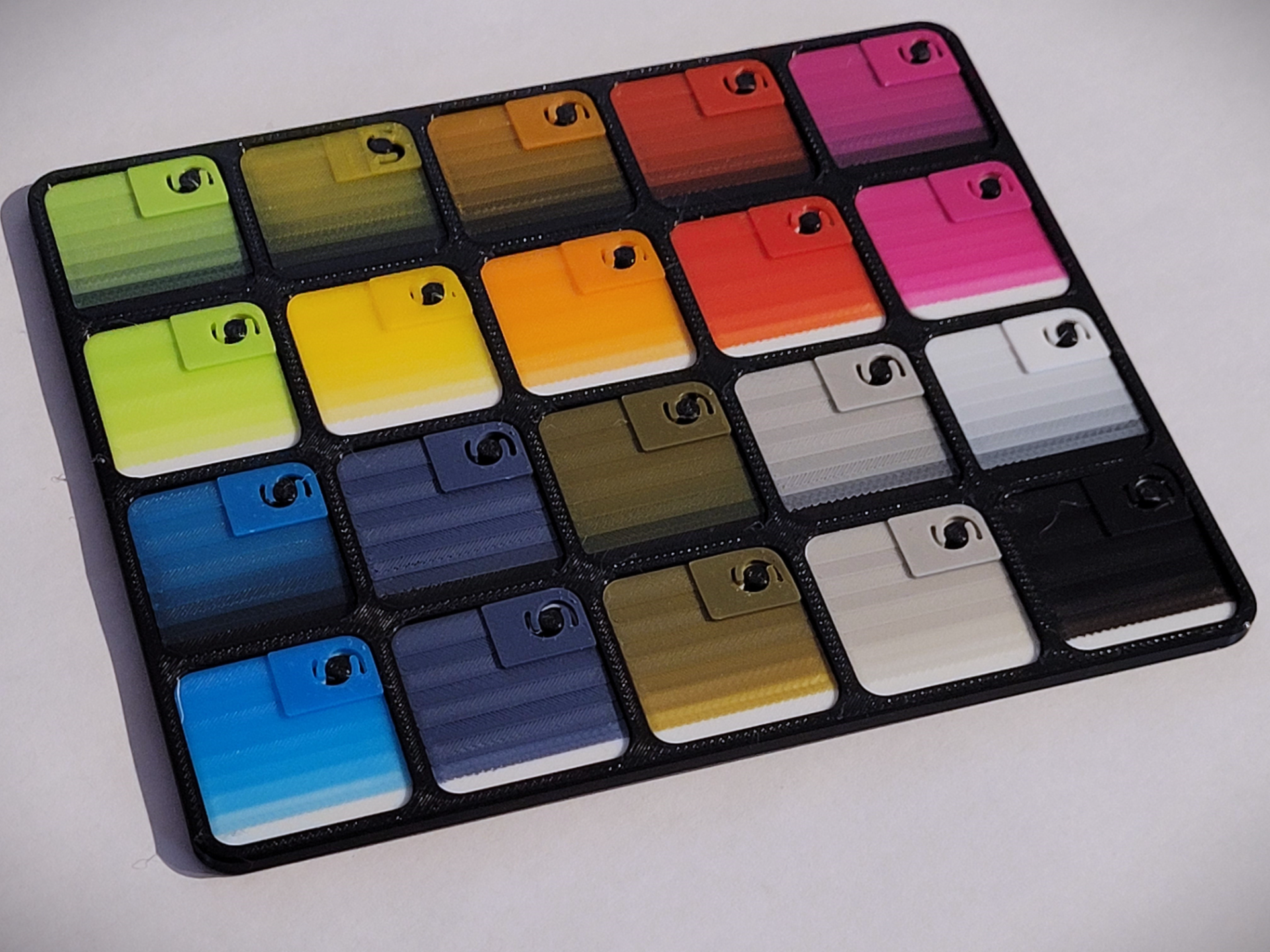
Membership If you want to use this model commercially, please join my membership. I've made a swatch that can be used to calibrate the Transmission distance of any filament in HUEFORGE. I also included the BambuLab swatch display board, as seen in the picture, for your convenience. Hope this will help you having success with Hueforge. Step to calibrate: Printe the calibration swatch with a base color and the color you want to calibrate. Upload the stl file in hueforge. Select the base color and set it to 1.04mm depth Select color to calibrate and set it up to the rest of the model. Compare the actuel swatch print with the Hueforge preview. Adjust the Transmission Distance in Hueforge until you match the printed sample.