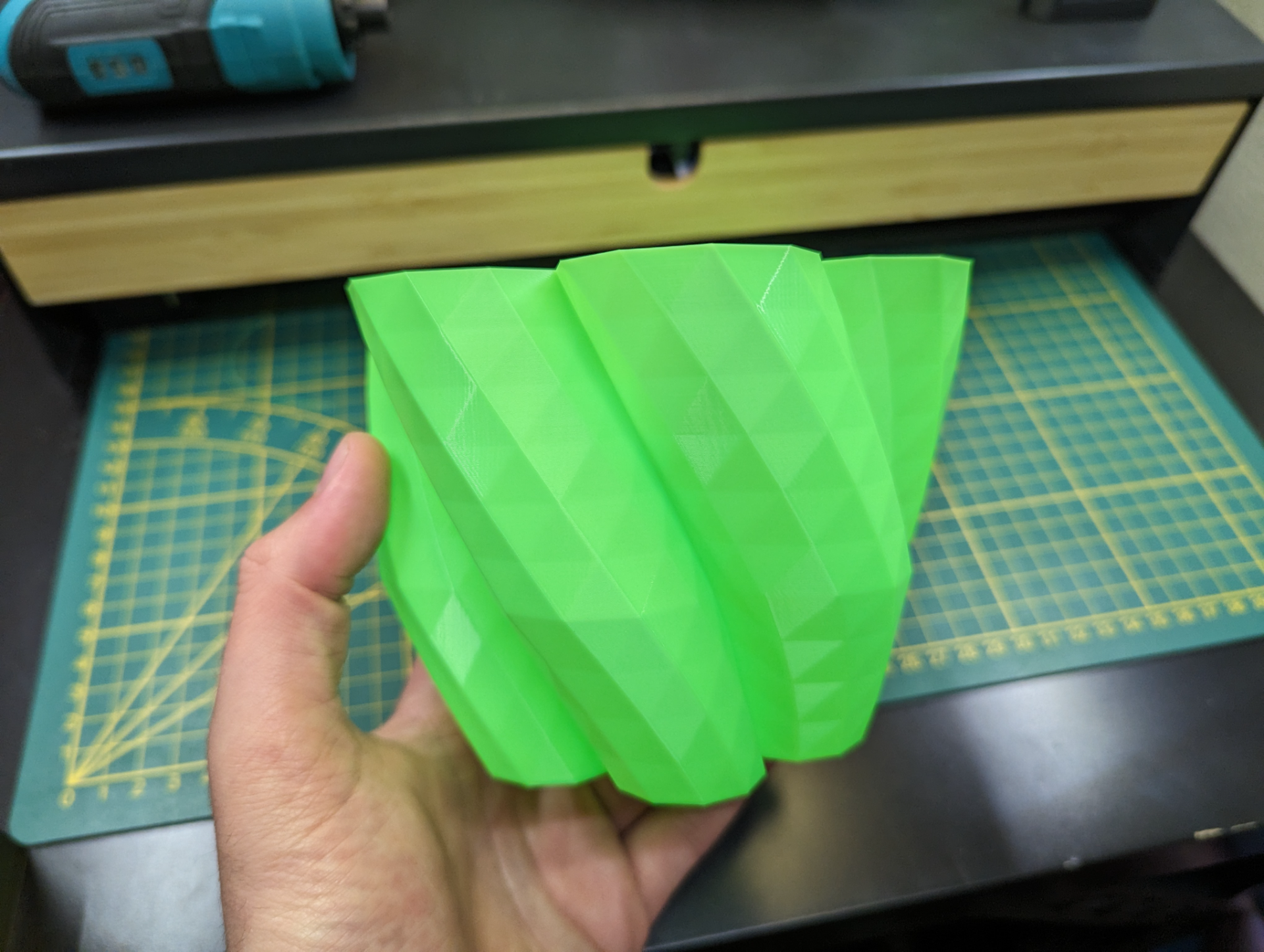
About this 3D model
This organic bin is a fun spiral vase mode print. Challenge your printer while adding a unique touch to your workspace with this trash bin! How to print: Make sure you have setup your slicer to use spiral/vase mode. Bambu Studio: Under the "Special" tab, turn on "Vase Mode." PrusaSlicer: In the Print Settings tab, enable the "Spiral Vase" mode. Cura: The setting is called "Spiralize Outer Contour." Customize to your own needs with OpenSCAD: Want to make this bin larger, smaller, or change the organic shape? Here are some values you can adjust in the OpenSCAD file: Bottom, middle, top: Control the overall dimensions of the bin. Height: Make it taller or shorter. Lobe: Change the number of curves for a different shape. Twist: Add more (or less) twist to the form. Smoothness: Add more details to the shape Feeling generous? Buy me a coffee !