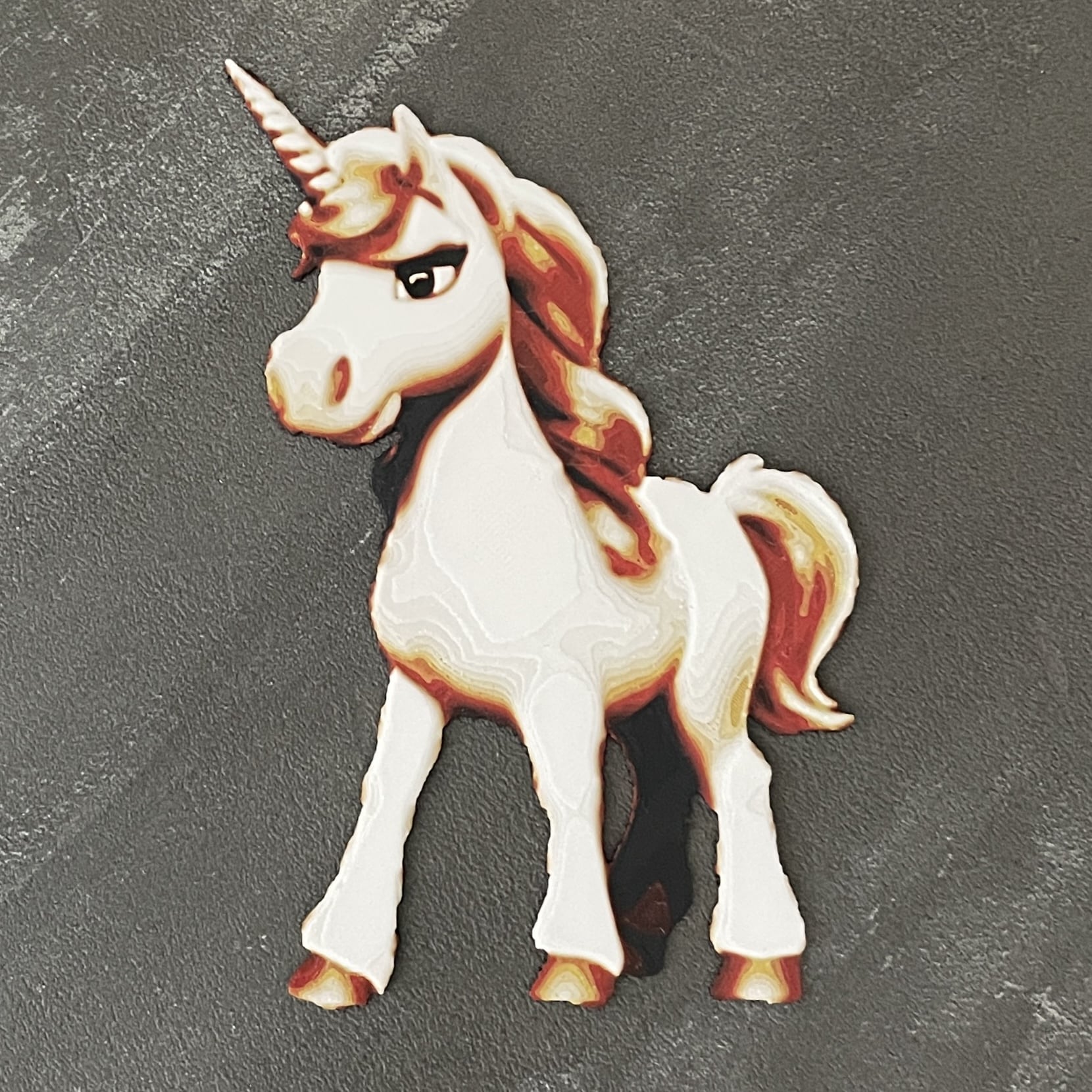
About this 3D model
In the comments of my Low Poly Unicorn on Printables (also published here ) I noticed that your kids love it. So I made a painted unicorn, which is primary for the girls and also a cute tiger for the boys. You need 4 filaments to print/paint this 2D unicorn: black , red , yellow and white . You just have to swap the filament 3 times , so no AMS or MMU required. I used Bambu Lab Filament, but other brands will work, too. Print at 100% infill with a layer height of 0.08mm with a base layer of 0.16mm. Filaments Used: PLA BambuLab Basic Black Transmission Distance: 0.6 PLA BambuLab Basic Red Transmission Distance: 5 PLA BambuLab Basic Yellow Transmission Distance: 6 PLA BambuLab Basic Jade White Transmission Distance: 4 Swap Instructions: Start with Black At layer #9 (0.8mm) swap to Red At layer #14 (1.2mm) swap to Yellow At layer #16 (1.36mm) swap to White for the rest. Generated using the HueForge software! See videos with instructions for filament swaps with Bambu Studio and PrusaSlicer … … or try the included .3mf file! I originally posted this model at Printables .