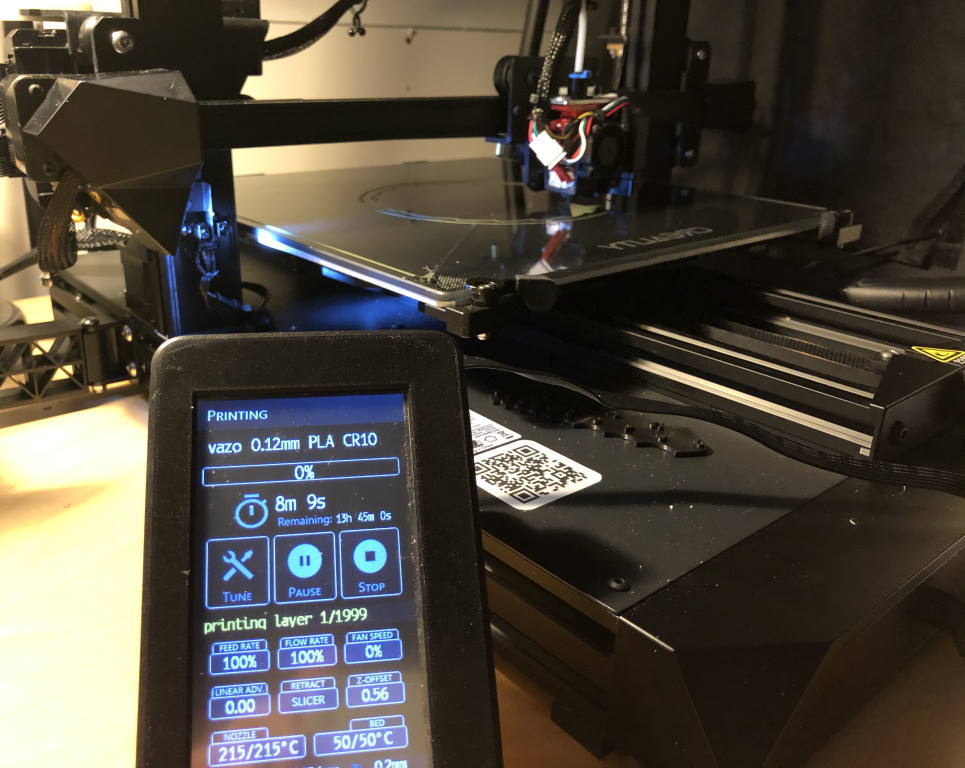
About this 3D model
A touch screen stand so your DWIN touch screen may stand alone from the printer itself. I printed this because I have a CR-6 DWIN touch screen on my Creality CR-10 Smart with BTT SKR board and I like the touch screen better when it is separate from the printer. Features: Stand is adjustable There is an extrusion to allow easy firmware updating using a microSD card (well... easy, with a DWIN touch screen ? ;) )Optional prints: Soft feet to print in 95A or (preferable) 85A TPU to allow increased drag on a desk. Optional: Print a washer in TPU (included). Optional: Cover up the screw holes remaining on the printer with the 4040 extrusion end cap . Fusion 360 archive and step file is included. Print Settings Printer: Creality CR-6 SE Rafts: No Supports: No Resolution: 0.2mm Infill: 20 Filament: Creality HPPLA White and black Notes: Specifically designed not to need supports. You may want to print the axis and nut with variable layer height so the threads come out right. Post-Printing Screw on the back cover with the existing DWIN touch screen screws (M3x10mm) Glue the axis parts on it (with superglue), or use M5x10 screws Steps Screw on the back cover with the existing DWIN touch screen screws (M3x10mm) Glue the axis parts on it (with superglue), or use M5x10 screws. Take note: the left part is not the same as the right part. Add the axis, press the stand into it and optionally glue it in (not necessary though - friction fit is fine). Category: 3D Printer Accessories