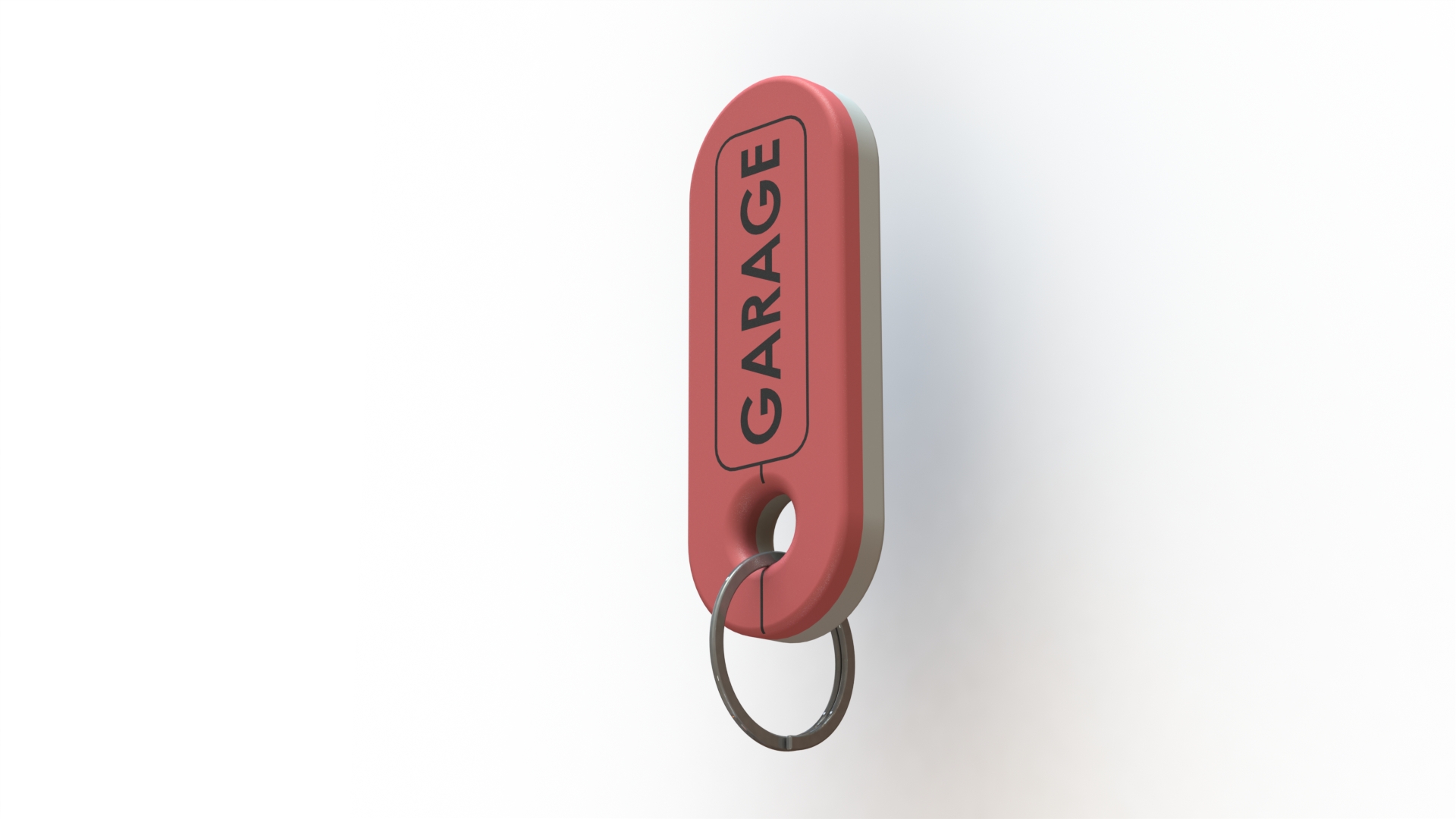
About this 3D model
Instructions This is part of this project, Keychain and Tags so you can change these documents to suit your needs. Print instructions In the case of Tags, it is necessary to indicate in the slicer in which area you want to pause to insert the magnet. Bambu Studio and Orca Prusa Slicer Magnet pocket on the back of the image This is already prepared on the 3mf files available for download, but you can do it on your own. After a couple of minutes, the printer will pause, it's time to insert the magnet. It will not top on the socket but, should be easy to insert it. Do not hard press the build plate ! CHECK THE MAGNET POSITION 2 TIMES TO BE SURE, it should attract in this position: Be sure that the magnet is nicely flushed, if it is above the print layer, do not continue. Resume printing. This image, show the difference between a 0.2 and a 0.4mm nozzle: Support the designer: This design is free for the benefit of the community, but If you like my designs and want to contribute, you can make a donation to buymeacoffee or paypal, that will be greatly appreciated.