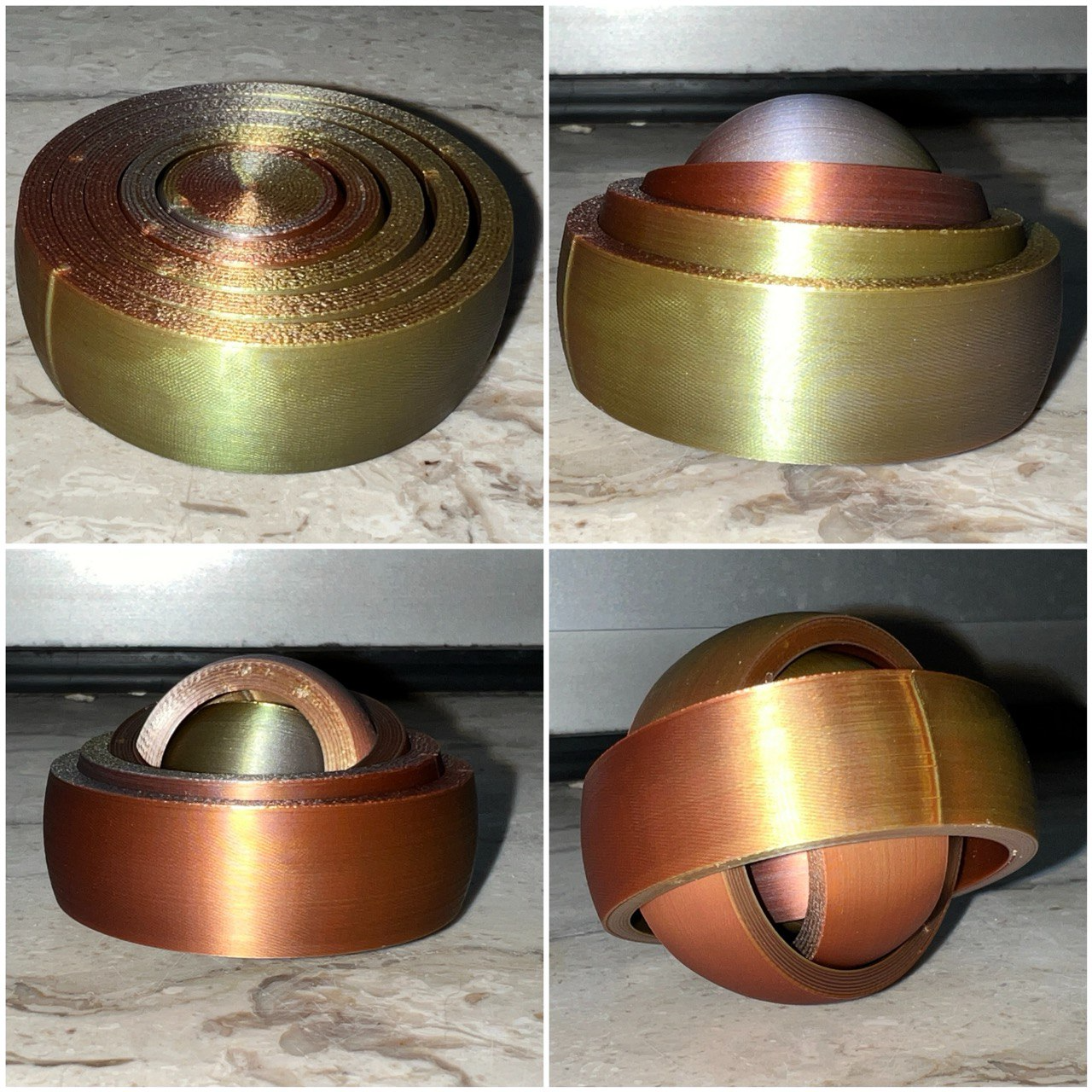
About this 3D model
TL;DR This is a look a like of the Rotating Rings Toy made by RarelyEvil February 16, 2014, i made this one using only the slicer as a demonstration how mighty the Prusaslicer and most of his forks are today. Yah, this toy is made without CAD and i show you step by step how that is done. Collection rotating rings prusaslicer Let's get started Steps to make the famous rotary ring toy without CAD software using your slicer only. Step 1 to 4 are each 6 steps but always the same. XYZ Number? The first number is the diameter of the sphere, the second and third are the X and Y coordinates you have to set this is important to ensure that all parts are placed proper. The last number i the Z distance. Example: XYZ 53 100 100 26.5 This is add sphere with 53 mm diameter and set X and Y to 100 Z did not need to set it has the right value. XYZ 47 100 100 26.5 This is add negative volumne sphere with 47 mm diameter and set X and Y to 100 and Z to 26.5 Let's do it: Start a new project in your slicer add sphere diameter position XYZ 53 100 100 26.5 add neg vol sphere diameter position XYZ 47 100 100 26.5 cut 18.5 drop lower part cut 16 drop upper part export as STL1.stl delete all add sphere diameter 45.8 position XYZ 100 100 22.9 add neg vol sphere diameter position XYZ 39.8 100 100 22.9 cut 14.9 drop lower part cut 16 drop upper part export as STL2.stl delete all add sphere diameter position XYZ 38.6 100 100 19.3 add neg vol sphere diameter position XYZ 36.6 100 100 19.3 cut 11.3 drop lower part cut 16 drop upper part export as STL3.stl delete all add sphere diameter position XYZ 31.4 100 100 15.7 add neg vol sphere diameter position XYZ 25.4 100 100 15.7 cut 7.7 drop lower part cut 16 drop upper part export as STL4.stl delete all add sphere diameter position XYZ 24.2 100 100 12.1 cut 4.1 drop lower part cut 16 drop upper part export as STL5.stl delete all import all STL[1..5].stl files at once save the project. Recommended slicer settings: layer height as low as you can go The lower the smoother. Will work nice from 0.4 down to 0.1 or less. No matter if arachne or classic. Use align for the seam, don't use random, nearest or back. Concentric for top and bottom layer Choose if you like the fidget lightweight or heavy! Many people like the sensation of the heavy version. light version: 23 g 3 top/bottom layers 2 Perimeters rectilinear infill 15% for the bullseye only heavy version: 37 g 3 perimeters concentric infill 100% Geometrie of rotating rings If interested you may have a look into the freecad version i made a while ago: rotating rings - freeCAD exercise Filament used eryone gold silver cooper