About this 3D model
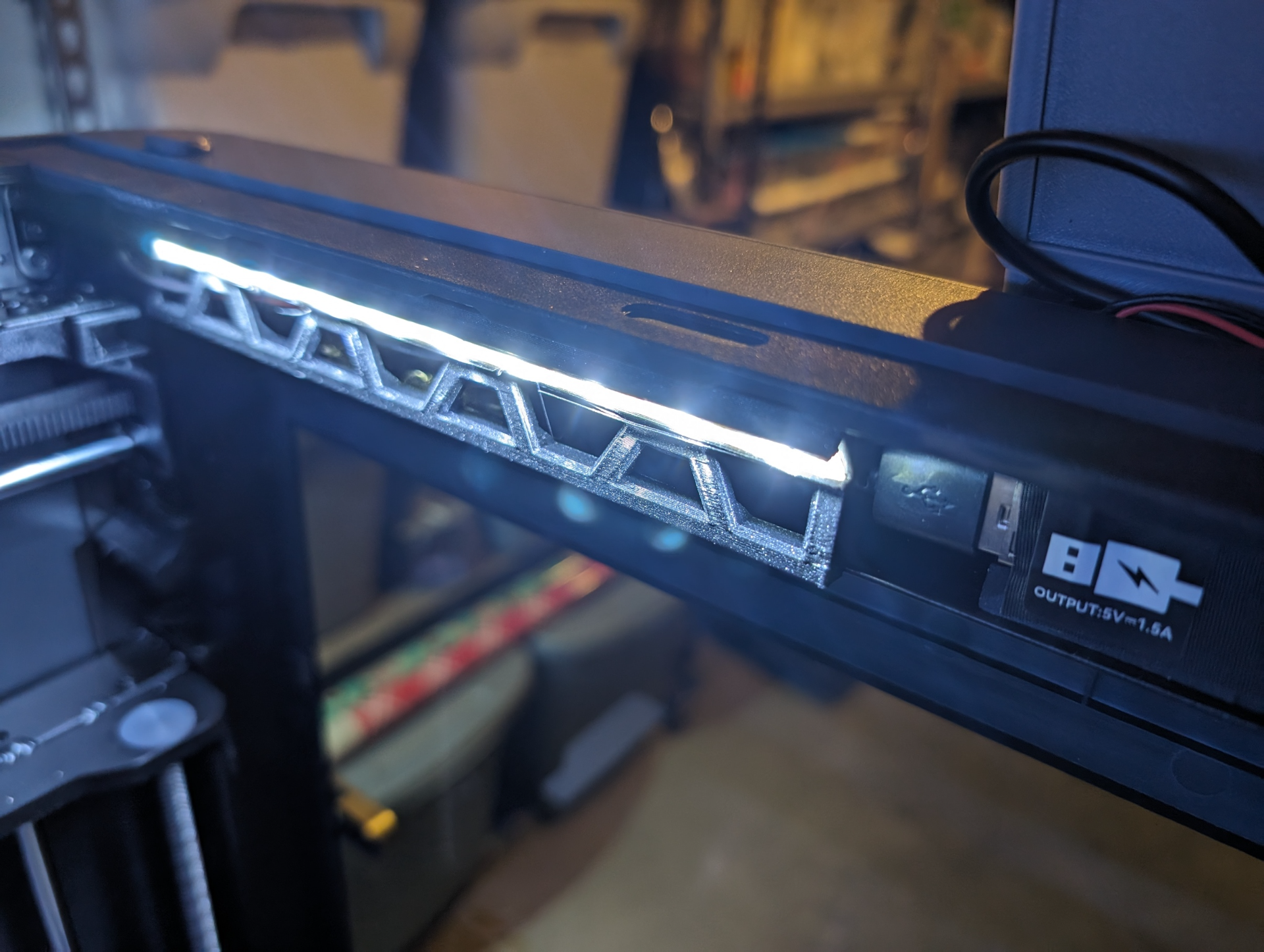
While the P1S LED is nice to have it is not very bright and since my printer is in the basement, there is poor lighting. To solve this I used a 5v LED strip and mixed some great designs together to fit my needs. Hopefully this helps out others that need more light and only want a small amount of LED strip. Parts Needed Print Mount LED Strip with USB cable (or soldered on check out techcoil for some DIY help) Install Instructions Mount the LED to the mount. Feed the USB cable into the square opening. Plug into the USB port on the back of the P1S display. Insert the mount into the channel grooves (this can take a few tries to align up)