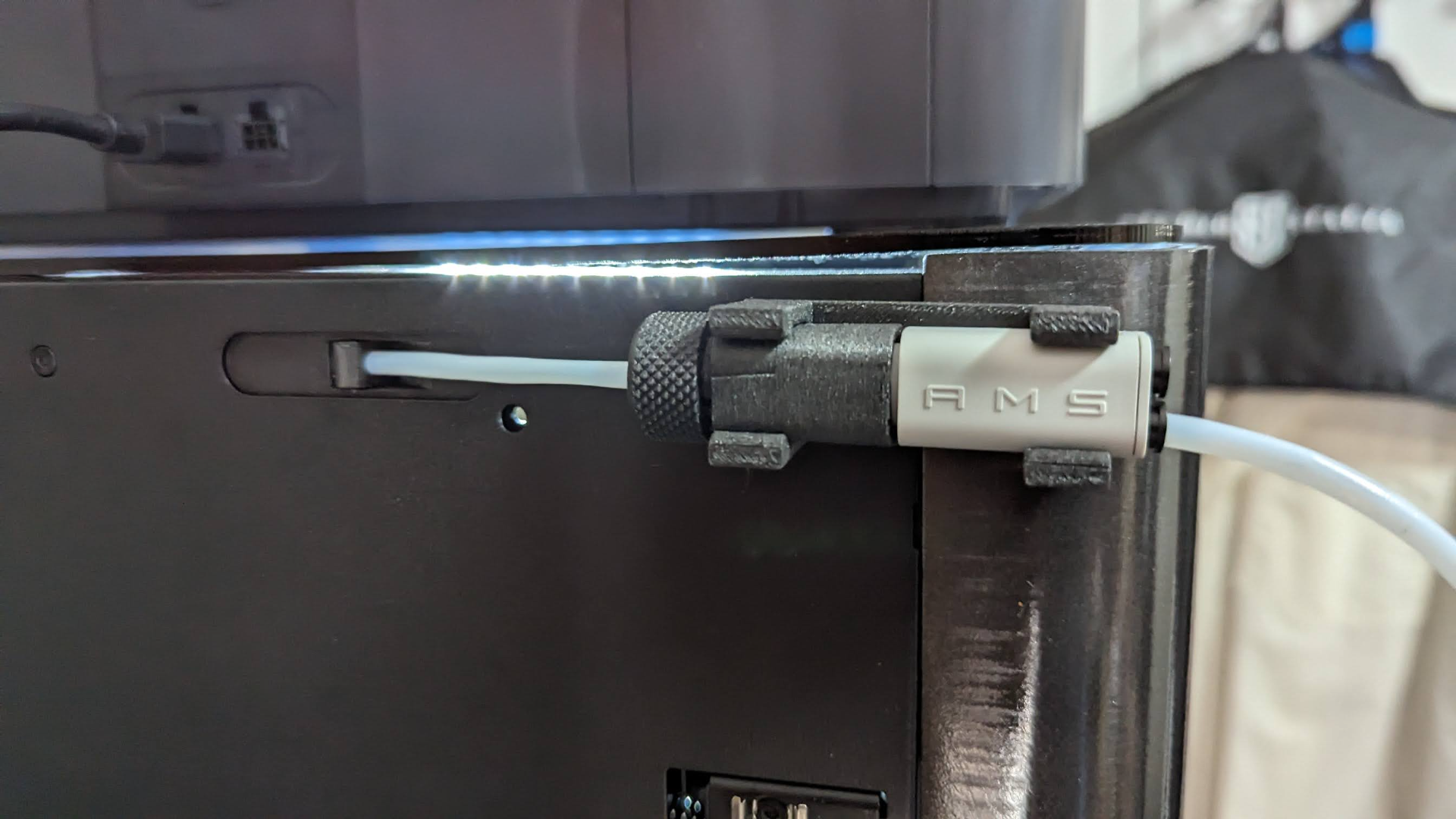
About this 3D model
I really like SPStudio's 4-way splitter using the AMS Lite but after printing it, I realised I had no quick disconnect air line fittings on hand. So I modified it by adding a tapered thread so it prints as one piece and uses a knurled nut to hold the PFTE in place. I recommend using the supplied print profile, which will print the 3 pieces separately in PETG and uses supports for the main body. I've included the RHS splitter holder unmodified from SPS Studio's original in the print profile. If you need to mount it on the left, please download the required parts from SPStudio. NOTE: As per the original SPStudio design, to use the AMS mini splitter, you first need to break off the magnet and trim the edge neat so that it matches the other side. Then the splitter will fit into the adaptor piece. Also, the printed body can be a tight fit. Please ensure your flow filament calibration is dialed in and also, make sure you get all the support material out of the body, or you won't be able to turn it to push it home. Please see below for directions : “Step 2: You will need to snap off the magnet (as shown in the picture) and use your nips or a penknife to trim it flush with the rest of the body. Doesn't have to be perfect. Insert the hub into the adapter offset by 45 degrees, then twist it to lock it into place.”