About this 3D model
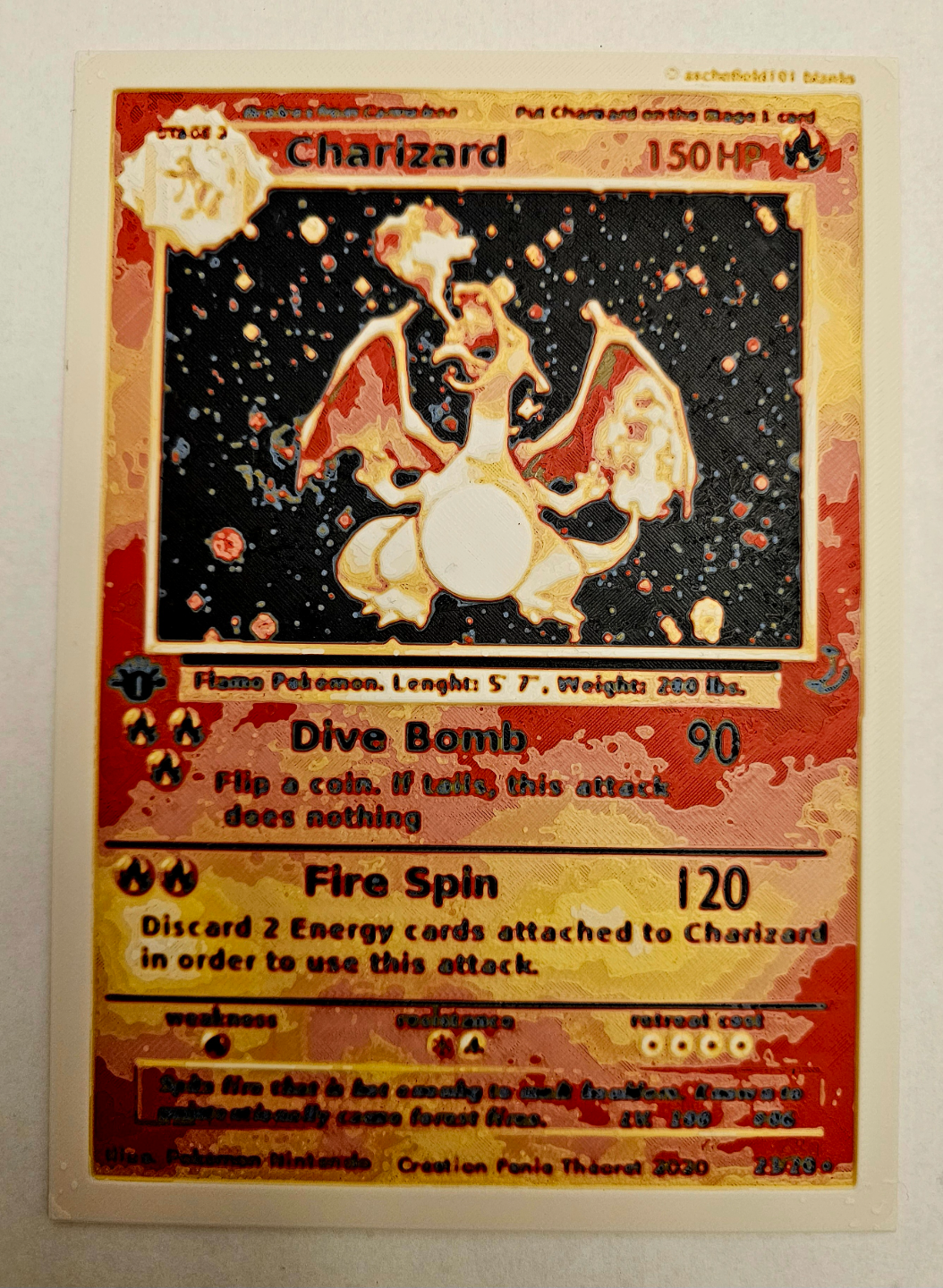
Love Pokémon cards? Well you can make your own now. This Charizard card was made using HueForge. It requires 6 colors Black , Blue , Orange , Red , Yellow , and White . I used all Matte colors for this print because the colors seem to blend well together. Matte also helps reduce stringing on the print, but you can use normal PLA if that is all you have. Please keep in mind depending on the brand and shade of your PLA your results may vary. Print at 100% infill with a layer height of 0.08, the first layer needs to be 0.16, and a wall loop of 1. I did not use a prime tower, it is not needed. This print should take about 2h54m if you use the 3mf settings. Swap Instruction are as followed: Start with Black At layer #8 (0.72mm) swap to Blue At layer #10 (0.88mm) swap to Orange At layer #12 (1.04mm) swap to Red At layer #14 (1.20mm) swap to Yellow At layer #19 (1.60mm) swap to White Happy Printing! Note: If you only have one AMS you can still print this card. This is how you do 6 colors on one AMS. You put the color changes in the side bar where you can see the layers. Now when you go to program your AMS, you pick the 1st 4 colors in bay1 through bay4. The 5th color goes in bay1 once the black in bay1 is done and so on. You just take out the black and put the 5th color in it's place and continue this step again once each of the other colors are done. This will work on all 4 bays so you could even do up to 16 colors if you wanted.