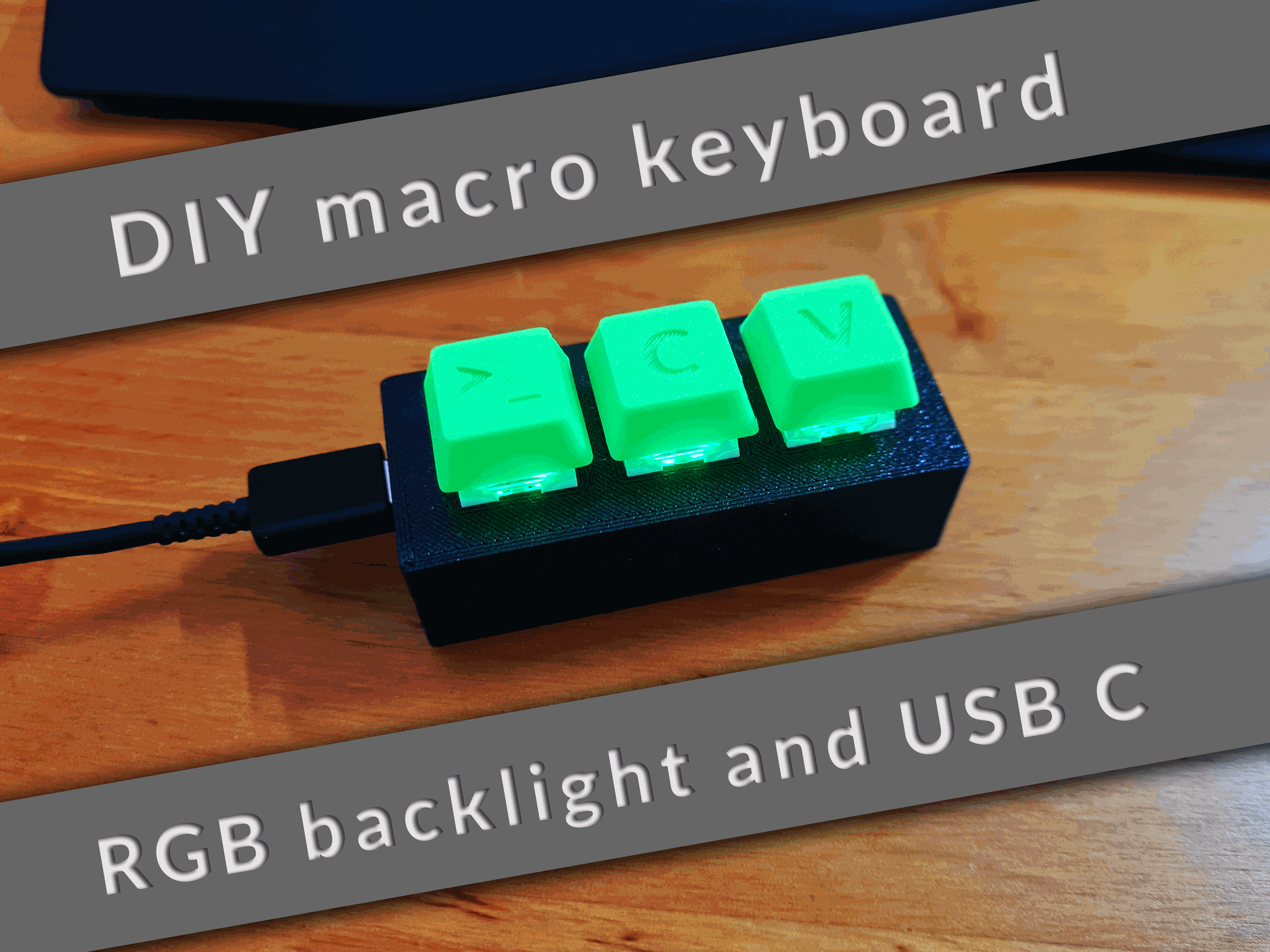
About this 3D model
A customizable DIY macro keyboard with RGB backlight and USB C, which uses cherry mx keys. Features RGB backlight Fully customizable Compatible with all cherry mx keycaps USB C Simple assembly Cover for transport included No supports needed Recommended print settings Layer Height: 0.2mm No supports needed Electronics needed (affiliate links) 3 Cherry MX Keys: https://amzn.to/3QNLtqB Arduino Pro Micro: https://amzn.to/3SNcPQa A piece of a 60 LEDs/m WS2812B strip: https://amzn.to/3G846AA 2 M2x8 screws: https://amzn.to/3R4Z5PE Assembly YouTube videos (German): Part 1/2: https://youtu.be/Fa7JCWy3rmU Part 2/2: https://youtu.be/vJzH9g780mw Insert buttons into the case Solder the electronics together (images of wiring are at the bottom) Fit the electronics into the case Add the PCB holder print between PCB and lid Screw the lid onto the case Get the Arduino code from GitHub: https://github.com/Molodos/DIYMacroKeyboard Edit the code if you want to customize it Connect the Keyboard to your computer and use the Arduino IDE to upload the code to the Keyboard Add keycaps (use the provided ones, create your own using the plain keycap or the blender source or use any other cherry mx compatible keycaps) Have fun with your new macro keyboard! Images of the wiring