About this 3D model
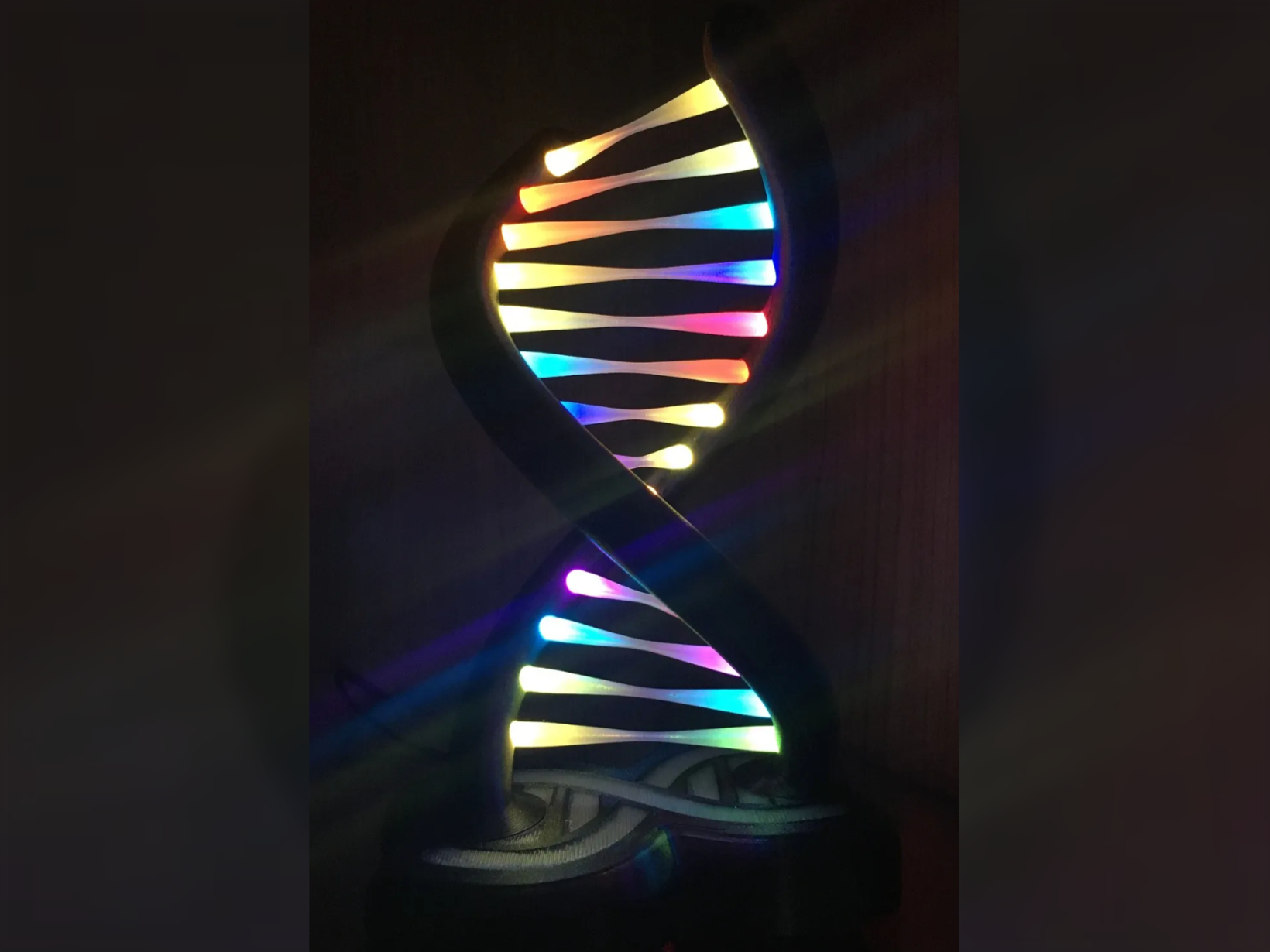
Boost Me Support me <3 Hello, I created a remix for this project: https://makerworld.com/models/84256-rgb-double-helix-lamp-easyprint-no-ams-needed I have add a USB-Micro PCB Socket, because I wanted to save myself the cost of an extra power supply. You can buy the Sockets very cheap everywere. Just look for “micro usb pcb”. So you can use an old USB charger or connect it directly to a TV or PC via USB. The max current is 560mA for this lamp, if you run the Code with a brightness of 250. So 5V 1A are more then enough. This can also be used with the double helix extension. However, the Arduino code may need to be adjusted to account for the number of LEDs. The two LED strips can be connected in series or parallel. In one project, I simply programmed 56 LEDs. Using a small 3-pole switch that I attached to the base with hot glue, I wired the data line so that the LED strips were connected in parallel in one position and in series in the other. I prefer the series connection for the small lamp, while parallel looks better for the large one. But that's just a matter of personal preference. I offer here only the Base, Bottom and Code for the lamp. You need to download the rest from the original source project. ( click me ) -PIN 2 is push pin. (The other wire has to go to GROUND.) -PIN 12 is LED Data pin. -Default LED Type is WS2812. If you need to do changes, change this in the arduino code. I also used a 16V 100uF capasitor to reduce interferences and added a 330Ohm resistor between the arduino board and the first LED strip of the data wire. Filament i used: (Affiliate Links) Eryone Dual Color Silk PLA Fillamentum PLA Extrafill Wizard’s Voodoo Filament Transparent Glow in the Dark Material List: (Affiliate Links) Micro USB PCB USB-C PCB Arduino Nano Push Button Set (6x6x10mm) Countersunk screws 2,5mm, 8mm length WS2812 RGB Stripe 60Leds/m Glue <<< How do you change the effects >>> There are 4 Lists of effects. >To switch the Lists: Do a long klick of about 1-2 seconds. >To switch the effects in a List: Do a short click. >To activate sleep mode: Do a long click of about 3 seconds. 1st. List (palettecrossfade): 1 effect 2nd. List (palette mode): 12 effects 3rd. List (effect mode): 11 effects 4th. List (solid color mode): 18 effects