About this 3D model
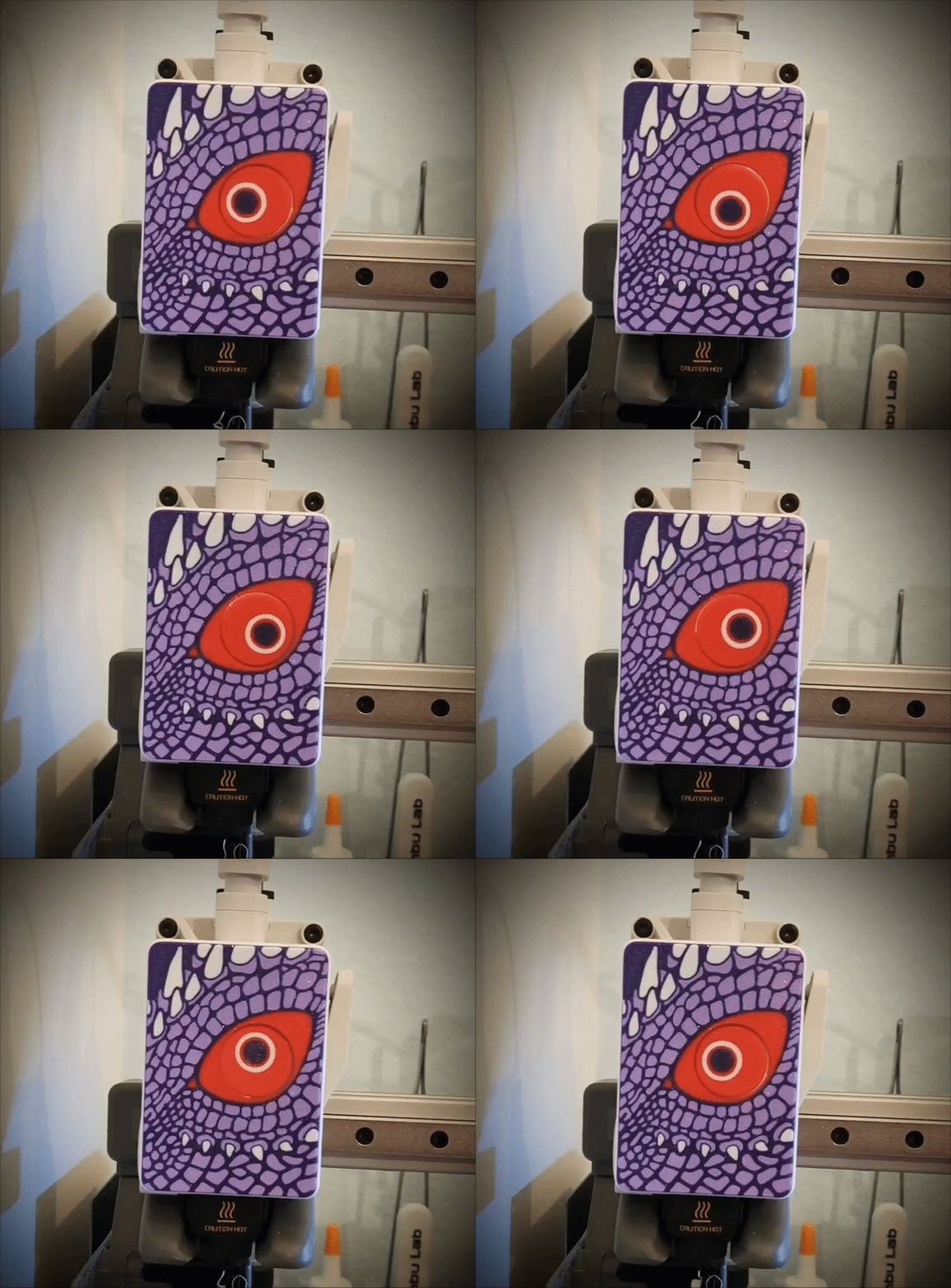
For dragon lovers, I have prepared an extruder front for A1 and A1 mini printers. The dragon turns its eye while printing. Before you start printing, make sure you have a clean plate (Wash it in warm soapy water or IPA). The first layer has a lot of small elements that must stick well to the plate. Colors I used to print the dragon: Galaxy Purple, Lilac Purple, Red, White. Secound Version: Dark green, Light Green, Red, White. If you think the dragon should have different colors, please show others what it looks like in other colors. Boost Me Hey! If you like my 3D models, I’d really appreciate it if you hit Boost! ? It’s a big motivation for me to keep creating and sharing new projects with the community. Every Boost shows it’s worth it – thank you! ? Let me know if the print was successful and if everything fits. If any corrections need to be made, let me know. If you have printed it, please leave a rating. Before installation, the original front and the rotating element must be dismantled. During installation, the eye should be pressed as far as it will go. After putting the face, the eye should be flush with the face or deeper. When assembling, make sure that the top latches are flush with the top edge before pressing from the front. See my other projects. Assembly instructions below. (same as Funy Face)