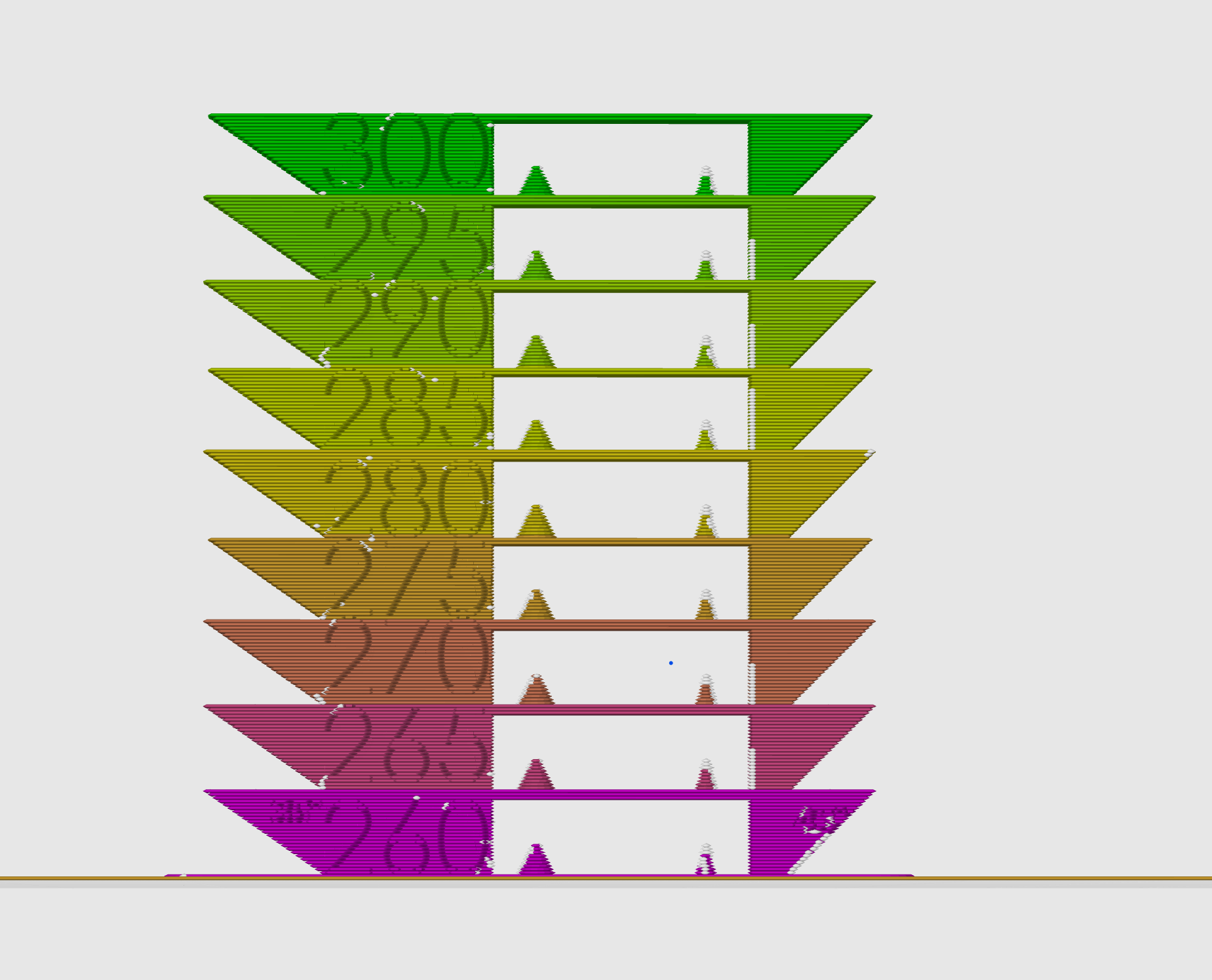
About this 3D model
EASY PROCESS You MUST INSERT THE G CODE: Select the edit button to the right of your printer model to bring up printer settings. 2. Select the “Machine G-code” tab 3. Scroll down to “Layer change G-code.” Now copy and paste this code above the current G-code (DO NOT REMOVE the current G-code, simply copy and paste it above. {if layer_num==0} M104 S260{endif}; {if layer_num==28} M104 S265{endif}; {if layer_num==53} M104 S270{endif}; {if layer_num==78} M104 S275{endif}; {if layer_num==103} M104 S280{endif}; {if layer_num==128} M104 S285{endif}; {if layer_num==153} M104 S290{endif}; {if layer_num==178} M104 S295{endif}; {if layer_num==203} M104 S300{endif}; ALSO SET SPEED TO ABOUT 60mm/s max for these materials YOU ARE DONE :) You can slice the file, and select Temperature colour scheme to check if it worked and you will see a rainbow coloured model with different colours for each of the layers