About this 3D model
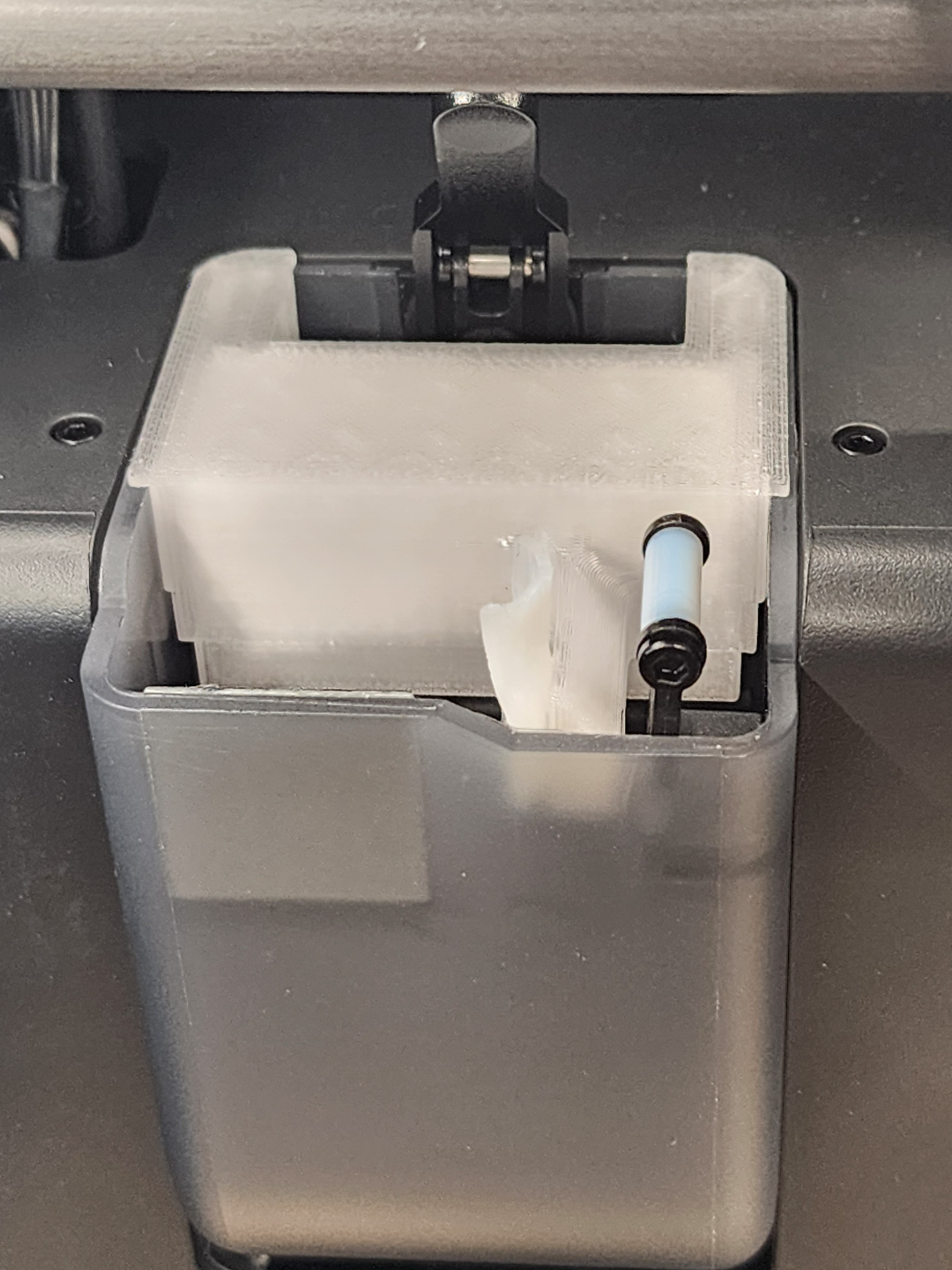
New V2 of the wiper is available here: https://makerworld.com/en/models/186746#profileId-205631 Currently still in testing, any feedback is appreciated. NOTICE: REMIXES ARE ALLOWED The step file has been provided, feel free to modify it to your liking. Notable improvements compared to default: Cheap and easily replaceable wiper It covers the hinge of the chute flap, lowers chance of any filament getting stuck or hooking on the hinge Purge chute cover with a PTFE wiper for the P1S, P1P, and X1C series. Requires a M3 insert and a 6mm M3 screw to hold the PTFE wiper in place. This allows for easy changing of the wiper without needing to reprint the entire part like with glue in designs. Ideally you should print this using a filament with high temperature resistance, ABS works fine but if you have other materials like PA/PC or CF variants feel free to use those. Please note that it is possible the model may appear loose if your filament has shrinkage after cooling, you may want to scale this model up or if you use Orca slicer you can adjust shrinkage % in the filament settings to ensure it is the correct size after cooling. Orca Slicer, Shrinkage can be found when editing the filament Assembly Info Cut a length of ~15-20mm PTFE tube and make a cut to split it. Use a screwdriver to help pry apart the PTFE tube. 3. Use pliers to help flatten out the PTFE tube. 4. Use a exacto or drill to make a hole 5. Install a M3 heat set insert into the part 6. Install the flattened PTFE tube, ensure that it is level with the top of the cover , if it is too tall you can trim it down. You can also use an Exacto knife to make additional cuts into the PTFE tube to make it more like a brush. 7. Install onto printer Additional Notes: If you do have silicone sheets or pads available, feel free to replace the PTFE with silicone wiper instead. Design Process: