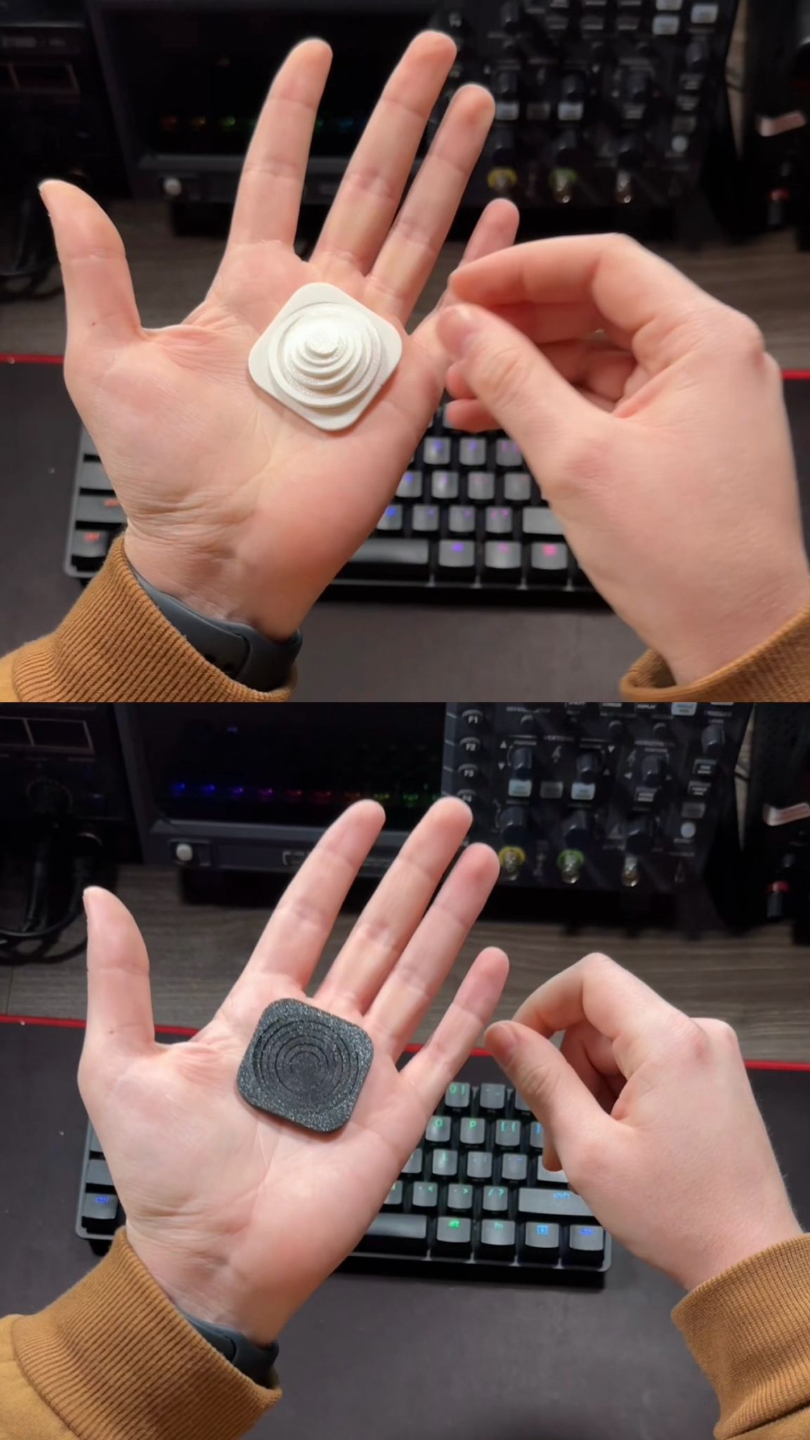
About this 3D model
1-Print: Create a model with six circles (10mm, 15mm, 20mm,25mm,30mm and 35mm). Print it using your usual settings. 2-Measure: Precisely measure the inner diameter of each circle in both X and Y directions. 3-Error Calculation: Subtract the measured diameter from the designed diameter for each circle (ex: 30 - 29.95 = 0.05). This gives you the error. 4-Average Error: Add all errors together and divide them by 6 (this gives you the average error). 5-Radius Correction: Divide the average error by 2 to get the radius error. 6-Compensation: Add this radius error to your printer's X-Y hole compensation setting (consult your printer's documentation for how to do this).