About this 3D model
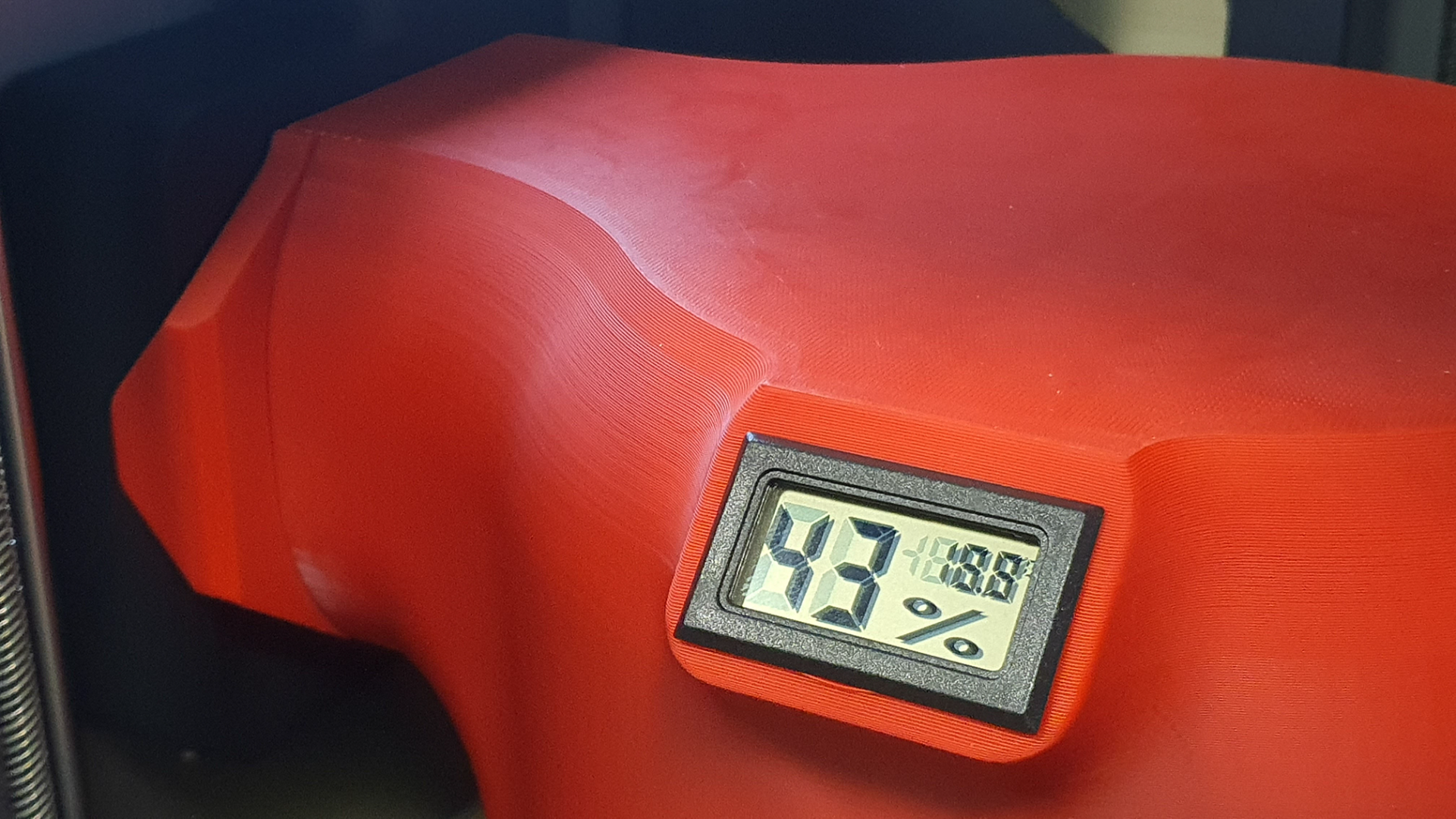
More advanced filament Drying Cover using an internal fan to remove moisture: - Integrated inside humidity and temperature meter (two versions with and without meter) - It uses the internal fan of the X1C printer to extract moist air from the the cover - Suction holes on the bottom - Fitting part for right position against internal fan (optional) - For spools with a maximum diameter of 208 mm (Maximum of two pieces at a time) - Prepared 3MF Files for Bambu Studio for X1C for ABS+ by Esun (with modificators) 3D PRINTING SETTINGS Prepared 3MF files for Bambu Studio for X1C with a complete print settings (with modificators). Tested with ABS+ by ESUN. BambuABS will be OK too. Used meter (or similar with mounting dimensions about 45x25mm): https://aliexpi.com/Tbxp Instruction for use: 1) set Aux and Cham fan for 20-30% of power 2) run Filament Drying utility - wait for prepare 3) insert filament and fit it to Aux fun inlet 4) start drying Enjoy and stay dry!