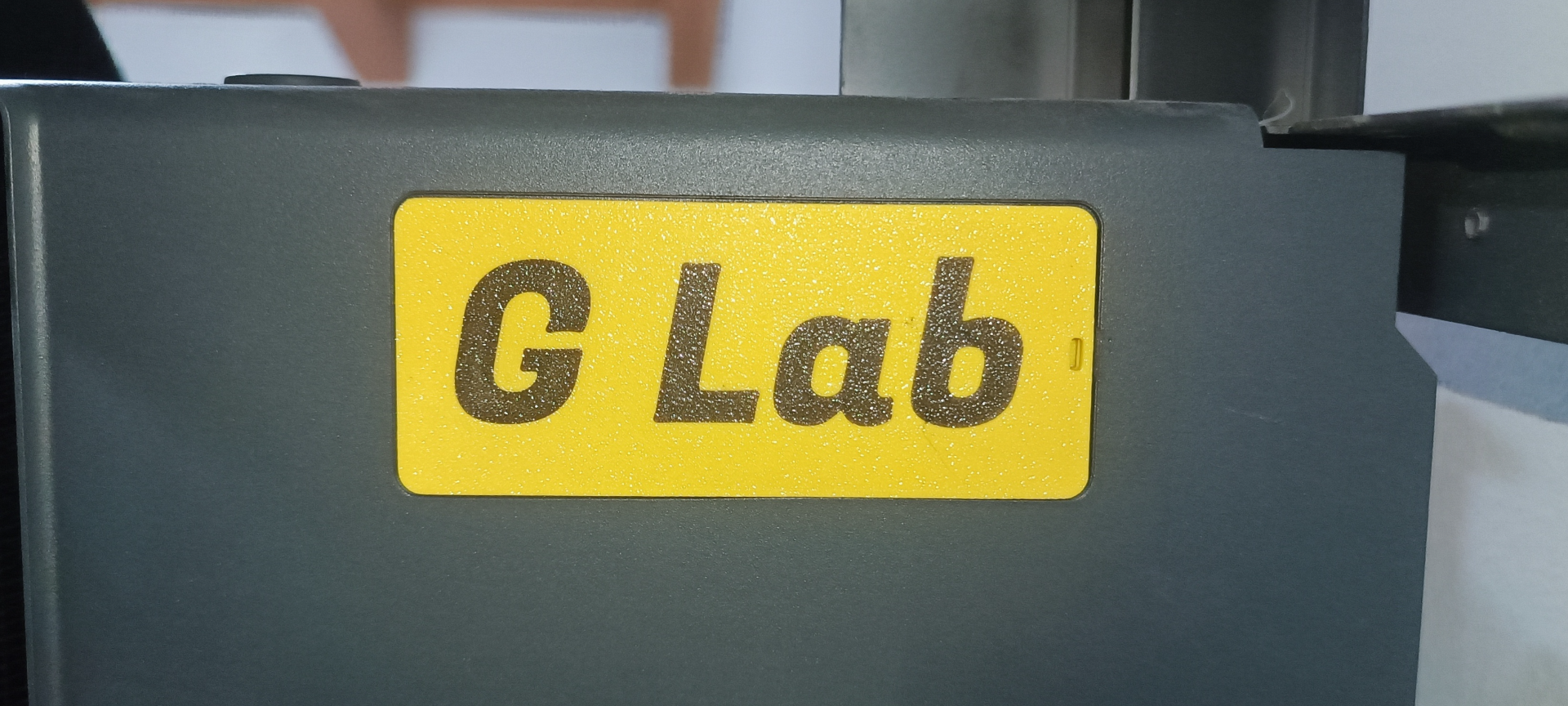
About this 3D model
Personalize your P1P with a custom filter cover. Multicolor with no AMS It is a nice and easy way to make your printer unique, and you can see it in the time lapses! How to remix (I've used Fusion 360, so the steps follow my workflow in Fusion) and print it without AMS : open "P1P Filter Cover.step" in your CAD create new sketch on the flat face Insert text: go to maketext.io , insert your text, select the font, download svg and import in the sketch use your CAD text utility extrude the text of the layer height (0.20 mm in my case) cut the cover with the text but keeping it export the step file with cover and text import in Bambu Studio and split it to object in the "Objects" section deselect the cover print the text ( not in the middle of the plate *) in the "Objects" section select the cover and deselect the text print it on top of the text without leveling the plate You could try to use Bambu Studio to add the text but I never used it for text so I don't know how it works. Congratulation, you have a beautiful filter cover! Note that this is still work in progress, the fit is a bit loose (not enough to fall off), I'm working on making it tighter. *You must not print it in the middle because otherwise the printer will home the z axis on the text and the cover will be printed too far from the plate.