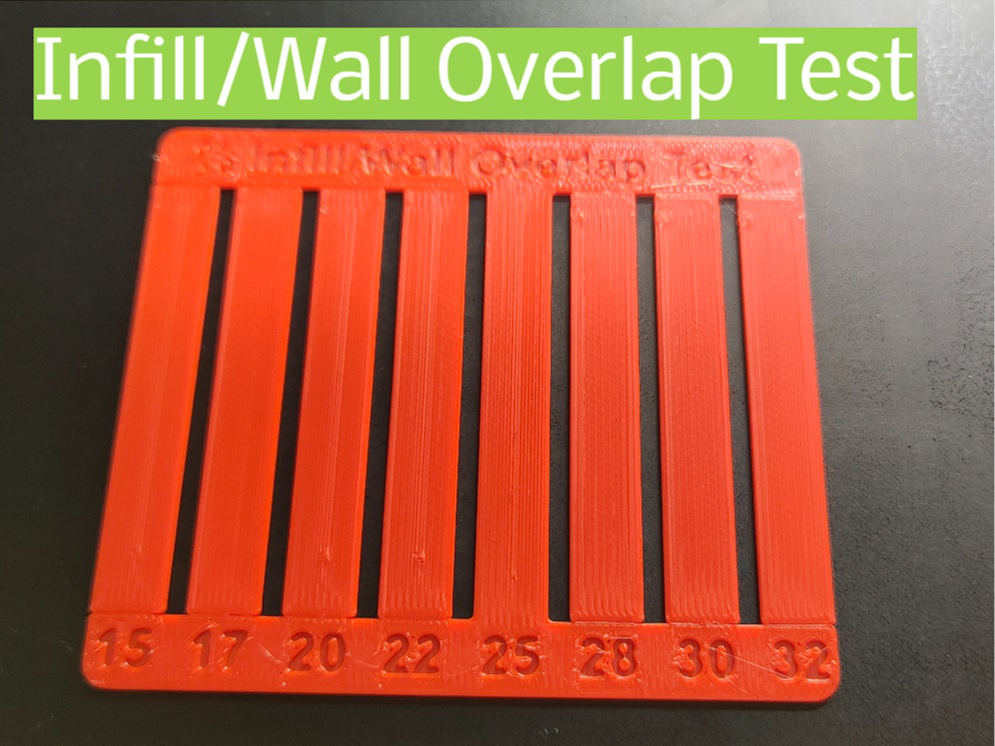
About this 3D model
This model primarily serves to visualize the percentage of distance between the wall and infill, showcasing optimal overlap ratios This model proves useful when crafting keychains or multicolored models where the object's visible face constitutes the first layer, effectively concealing wall-infill junctions Once you've obtained your results, adjust the setting in your slicer for subsequent prints Important Advanced mode must be enabled in Bambu Studio to modify the wall/infill overlap setting Navigate to the strength section; the option is located at the end