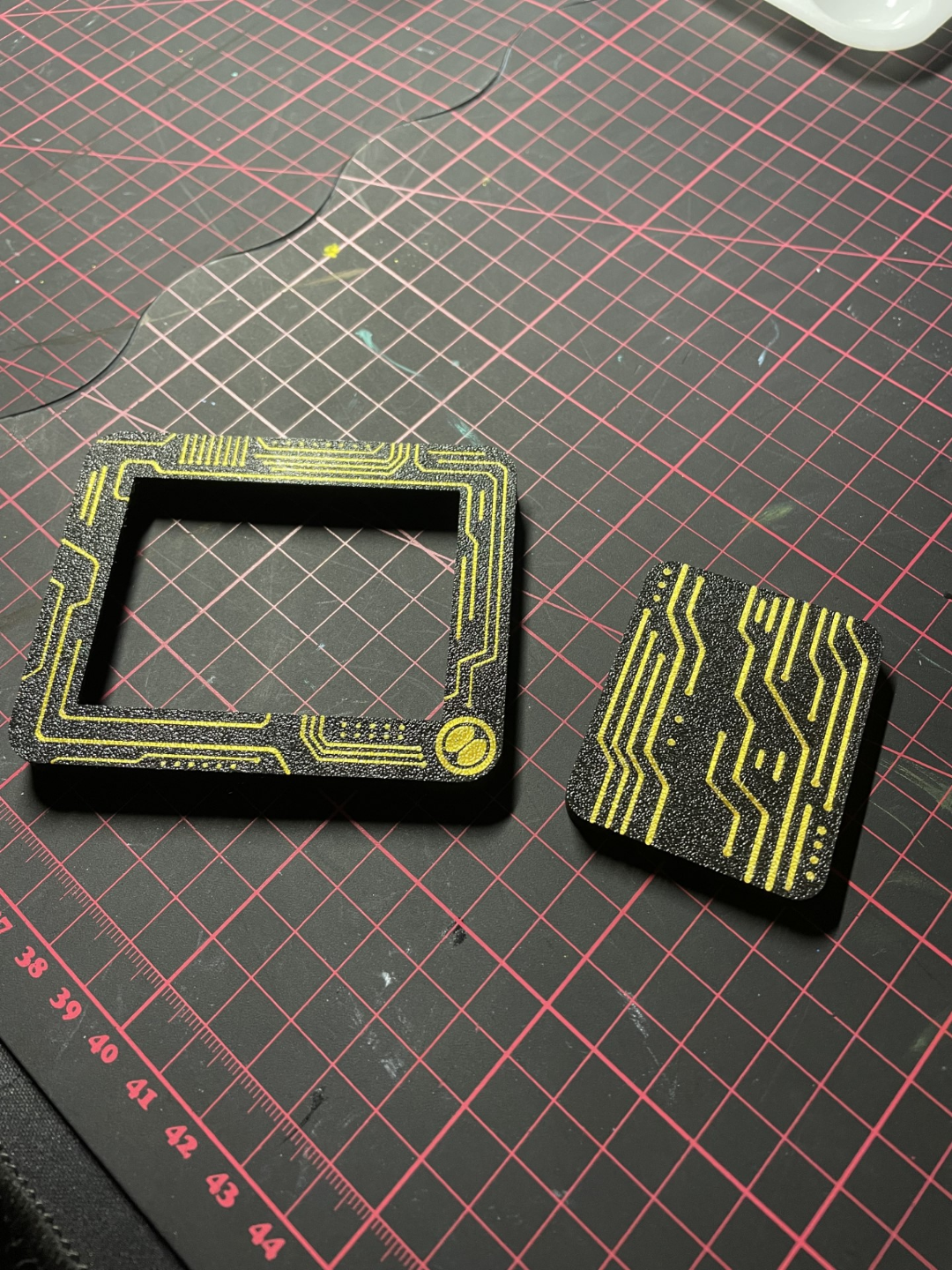
About this 3D model
1.drag the pattern lines and covers into bambu studio you have to put them together first ctrl to select both and then right click and right at the top. First always pull the frame in so that the lines are drawn in. The cover has to be at the top of both otherwise it won't work before you assemble. Choose the color of the lines 2.Clean the print bed thoroughly with iso or dishwashing liquid and water Also feel free to do it twice if you are unsure 3. choose your own filament and color and go click on the button to set the first filament layer sequence befor printing it 4 .Make sure the Pattern lines printed first on both Speed settings for both Make sure u set wall Generator arachne and turn only printing one wall at frist layer is on thats all leave the ohter setting as they set on standard and lets goo ..Please be gentle, this is my first upload If you have any problems, please report them..