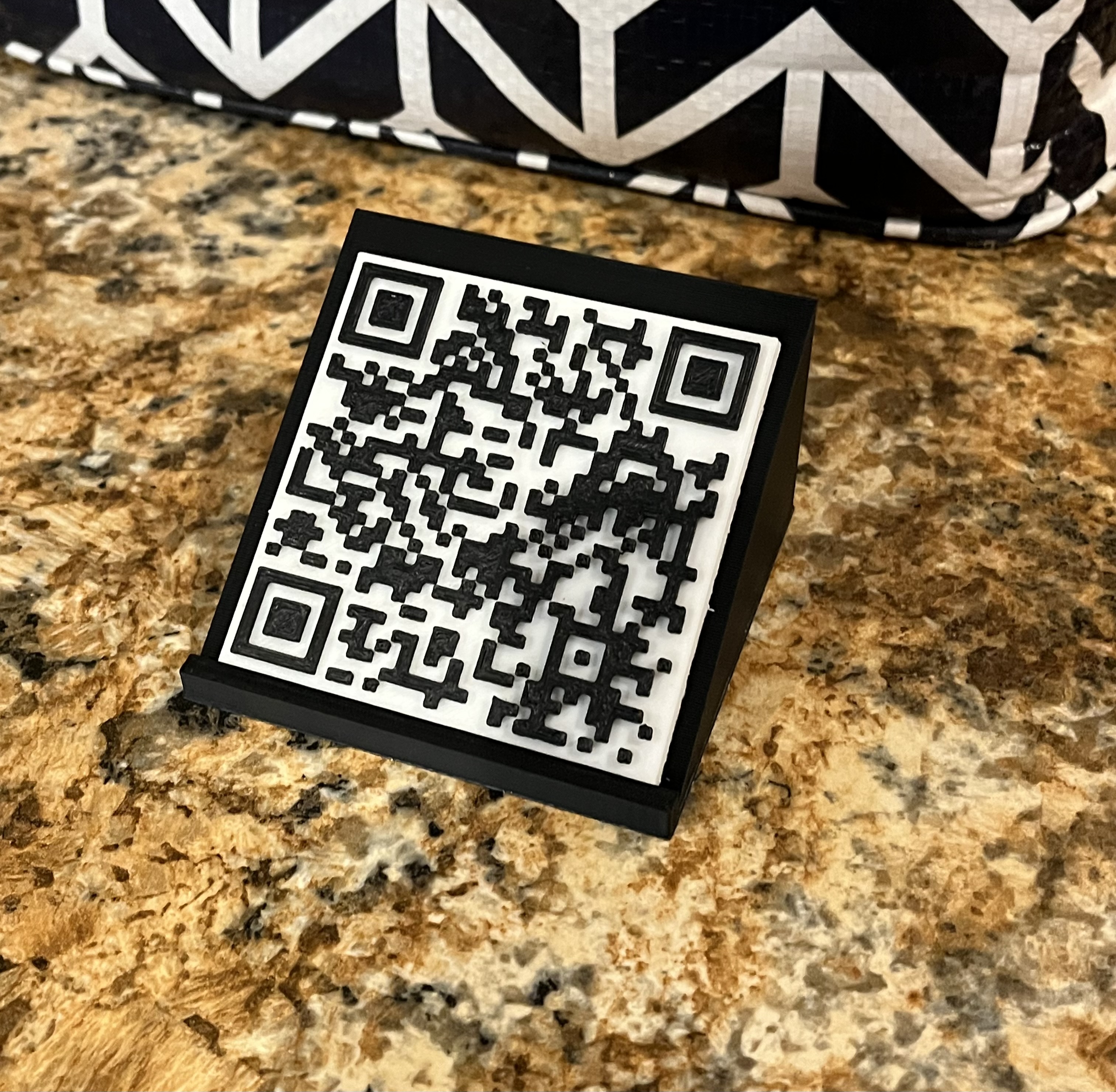
About this 3D model
Import the flat box into Tinkercad after you are done find the QR code, and to thinkercad space then Select just the QR code object. In the Properties for the QR code object, enter your WiFi information into into the Text box using this format: WIFI:S: ssid ;T:WPA;P: password ;; where ssid is the SSID of your WiFi network and password is your network password. Then put the flat box in the QR code together and export it as an STL And then put in your slicer and print and then print the stand, and set the QR code on the stand and then you are done just set the QR code on top